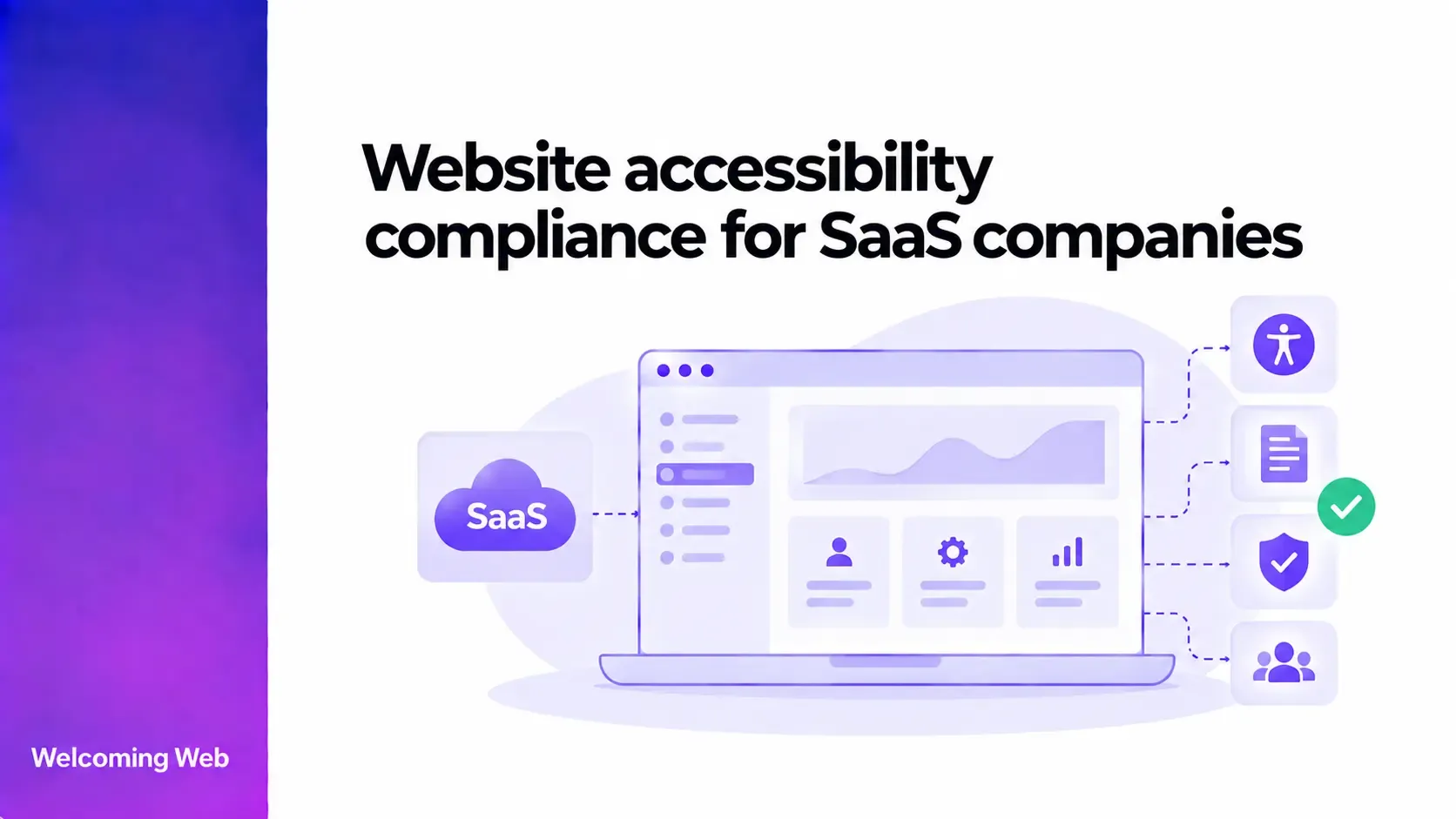
Website accessibility for SaaS companies can cover both public-facing pages and browser-based applications that form part of the customer experience. Companies may need to consider WCAG, applicable accessibility laws, customer requirements, and accessibility throughout product development. This guide explains which parts of a SaaS website and web application to assess, common accessibility barriers, testing methods, and how to maintain accessibility as the product changes.
What does accessibility compliance mean for a SaaS company?
For a SaaS company, web accessibility can extend from the public website into browser-based parts of the service customers use. Registration, onboarding, account management, support content, and core product features can all form part of the customer experience.
Managing accessibility across these areas requires ongoing evaluation as websites and products change. Accessibility compliance monitoring can help teams identify supported issues over time, alongside the manual testing needed for barriers automated checks cannot detect.
WCAG provides technical guidance for making web content and web applications more accessible to people with disabilities. The specific accessibility requirements a SaaS company needs to meet can also depend on its services, markets, customers, and applicable laws.
Which accessibility requirements apply to SaaS companies?
There is no single accessibility law that applies to every SaaS company worldwide. Requirements can vary according to where a company operates, what it provides, and who uses or purchases its service.
Several frameworks may be relevant:
- WCAG 2.2: W3C recommends using the latest version of WCAG. The standard includes testable success criteria across Levels A, AA, and AAA.
- Americans with Disabilities Act (ADA): In the US, the Department of Justice states that Title III applies to businesses open to the public and that their goods and services offered online must be accessible to people with disabilities.
- European Accessibility Act (EAA): The EAA sets accessibility requirements for specified products and services in the EU, including areas such as e-commerce, banking, and electronic communications.
- EN 301 549: This European standard sets accessibility requirements for information and communications technology and is relevant in areas including public procurement.
The appropriate requirements therefore depend on the SaaS product and its circumstances. WCAG is frequently used as a technical benchmark for web accessibility, but meeting WCAG should not automatically be treated as proof that every applicable legal obligation has been satisfied.
Which parts of a SaaS website and web application should be accessible?
Web accessibility should cover the online journeys people use to discover, purchase, access, and use a SaaS service. That can begin with marketing and pricing pages before continuing through registration, authentication, onboarding, and the product itself.
For browser-based SaaS products, this scope can continue into the authenticated application. Dashboards, navigation, forms, settings, core product features, billing, account management, and support resources can all affect whether someone can use the product independently.
The scope should also reflect different user roles. An administrator, account owner, and everyday user may have access to different interfaces and workflows within the same SaaS platform. Testing only one role could therefore leave important parts of the product unevaluated.
Prioritising by customer journey can help teams decide where to focus first. A barrier preventing someone from signing in, submitting required information, or completing the product's main task will have a more immediate effect on product access than an issue affecting a less important page.
What accessibility issues commonly affect SaaS websites and web apps?
Interactive SaaS applications can introduce accessibility problems that are less prominent on simpler content-based websites. Dynamic interfaces need to communicate changes and remain usable through different input methods and assistive technologies. Common problems include:
- Keyboard access: Controls or workflows cannot be completed without a mouse.
- Focus management: Keyboard focus disappears, moves unexpectedly, or fails to move appropriately when the interface changes.
- Forms: Inputs lack accessible labels, instructions are unclear, or errors are difficult to identify and correct.
- Custom controls: Components such as dropdowns, tabs, and date pickers do not expose the information assistive technologies need.
- Modal dialogs: Users can lose their position or move into content behind an open dialog.
- Dynamic updates: Confirmation messages, errors, or loading states appear visually without being communicated to assistive technologies.
- Colour and contrast: Text, controls, or status indicators can be difficult to perceive.
- Status indicators: Information such as success, failure, or account status relies only on colour or another visual cue.
These barriers can determine whether someone can complete a SaaS workflow independently. WCAG includes requirements relating to areas such as keyboard functionality, understandable input, predictable operation, and compatibility with assistive technologies.
How should SaaS companies test web accessibility?
No single testing method can identify every accessibility barrier across a SaaS website or web application. Combining automated checks with manual and assistive technology testing gives teams coverage across different types of accessibility requirements.
Automated accessibility testing can identify supported issues at scale, including certain contrast failures, missing accessible names, and invalid accessibility attributes. Welcoming Web can scan web content for supported accessibility issues and provide information to help teams investigate and remediate detected problems.
Keyboard testing examines whether interactive workflows can be completed without a mouse. This is particularly relevant to menus, forms, dashboards, dialogs, and custom controls. Manual evaluation can then assess requirements that depend on human judgement, such as whether instructions make sense or focus moves logically through an interface.
Assistive technology testing provides another perspective on important customer journeys. For example, using a screen reader can reveal whether controls are announced appropriately and whether changes to a dynamic interface are communicated to the user. Testing with disabled users can uncover additional barriers that technical checks may miss.
The appropriate combination will depend on the product, resources, and accessibility goals. Automated testing can identify supported issues efficiently, but manual evaluation is still needed to assess accessibility requirements that require human judgement.
How can SaaS teams maintain accessibility as the product changes?
SaaS products can change frequently, so accessibility needs to be considered throughout the product lifecycle. New features, redesigned interfaces, framework migrations, and component updates can all introduce barriers into areas that previously worked well.
Accessibility requirements can be defined while features are being planned and considered during design reviews before development begins. Developers can then use accessible patterns and shared components, while quality assurance can include relevant accessibility checks before a release reaches customers.
Design systems are particularly useful in this context. When teams build accessible buttons, forms, dialogs, and other shared components into a design system, those patterns can be reused throughout the product. Problems within shared components should also be addressed at their source where possible.
After release, ongoing monitoring can help identify supported issues introduced as web content changes. Welcoming Web can run recurring scans and retain scan history, helping teams monitor detected issues and changes in accessibility results over time. This can make regressions easier to spot between larger manual evaluations.
How do third-party tools affect SaaS accessibility?
A SaaS company may rely on external technology for parts of the customer experience. Payment systems, authentication services, chat tools, scheduling interfaces, embedded content, and other integrations can all become part of a user's journey.
An inaccessible third-party component can create a barrier even when the surrounding interface has been developed accessibly. A customer might navigate the SaaS application successfully, for example, but become unable to complete payment through an embedded checkout.
Accessibility can therefore be considered when selecting third-party technology. Teams can request accessibility documentation from vendors, evaluate the component within the intended workflow, and record limitations that could affect customers.
Testing the implementation itself remains valuable because vendor documentation cannot show exactly how a component will behave within every SaaS product. Critical integrations should also be reviewed when significant changes are made by either the SaaS company or the third-party provider.
What accessibility information might SaaS customers ask for?
Accessibility can become part of the sales and procurement process, particularly when SaaS products are sold to enterprise organisations or public-sector customers. Prospective customers may ask for accessibility information such as:
- The accessibility standard used to evaluate the product.
- Current conformance and known accessibility limitations.
- Testing and remediation processes.
- An accessibility statement.
- An Accessibility Conformance Report (ACR).
An ACR documents how an ICT product or service conforms to specified accessibility criteria. One common way to produce an ACR is by completing a Voluntary Product Accessibility Template (VPAT). For US federal procurement, Section508.gov explains that vendors should test their ICT against the applicable standards before completing the report.
The terms ACR and VPAT are sometimes used interchangeably, but they describe different things. A VPAT is a template used to document accessibility conformance, while the completed report is an ACR.
Build accessibility into your SaaS website and product
Accessibility needs to keep pace with changes across your SaaS website and browser-based application. Establish the requirements relevant to your organisation, identify the customer journeys that need to be accessible, and include appropriate accessibility checks throughout design, development, and release processes.
Regular automated monitoring can support this process by providing visibility into supported issues between broader evaluations. Manual and assistive technology testing can then provide evidence for accessibility requirements that automated tools cannot assess.
Run a free accessibility scan with Welcoming Web to identify supported accessibility issues on your website.

Written by
Alisan Erdemli
CEO at Welcoming Web, and web accessibility technology expert
Connect on LinkedInReady to Make Your Website Accessible?
Join thousands of satisfied users who trust WelcomingWeb to deliver fully accessible, compliant, and inclusive digital experiences.