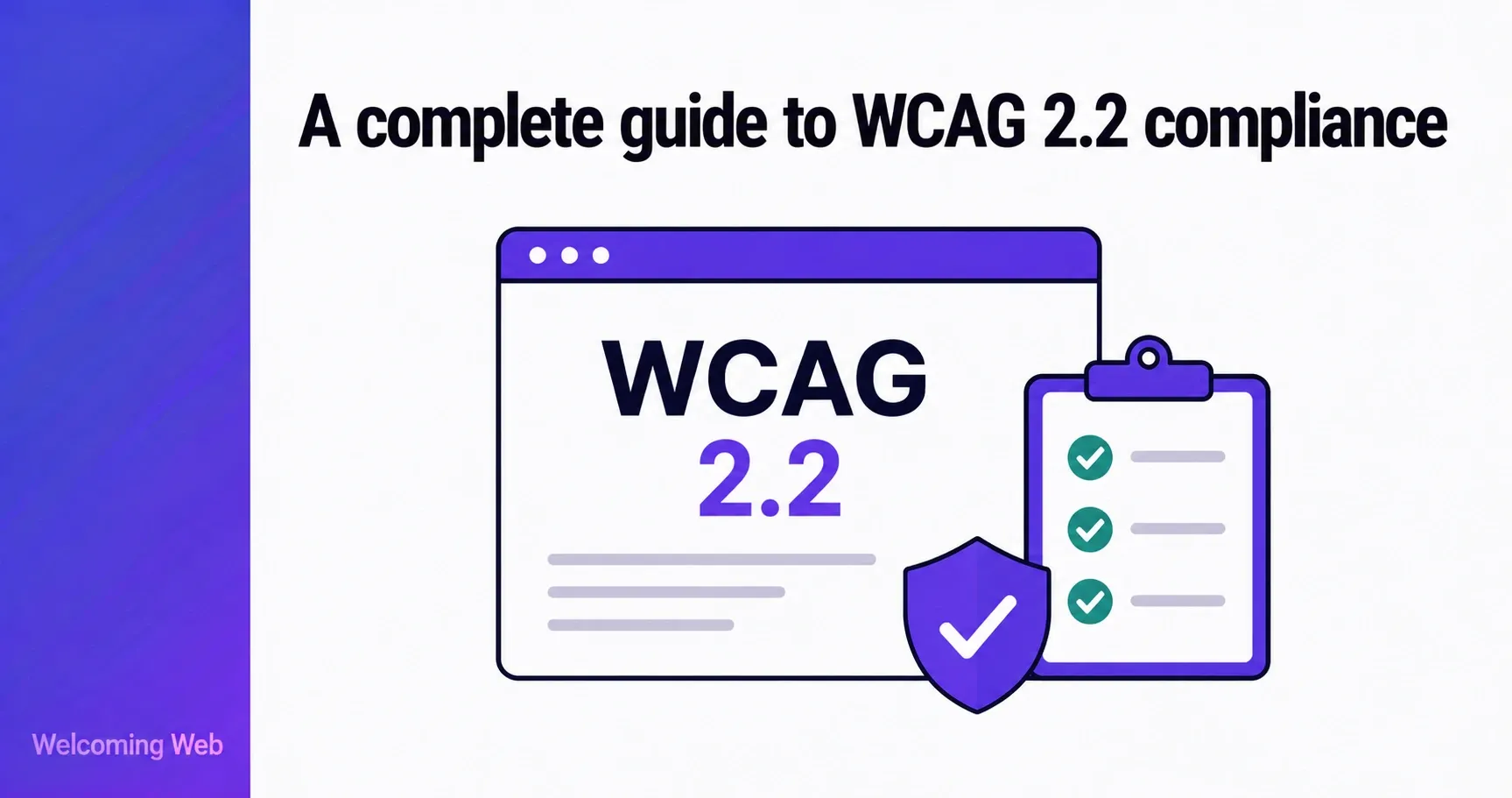
WCAG 2.2 is the current international standard for website accessibility, published by the W3C in October 2023 and approved as an ISO standard in October 2025. It is the benchmark referenced by accessibility laws across the US, UK, and EU. This guide covers what WCAG 2.2 requires, how it is structured, what changed from WCAG 2.1, and how organisations can work toward compliance.
What is WCAG 2.2?
WCAG stands for Web Content Accessibility Guidelines. It is the technical standard developed by the W3C Web Accessibility Initiative that defines what it means for a website to be accessible to people with disabilities. The guidelines cover a wide range of conditions including blindness and low vision, deafness and hearing loss, motor disabilities, cognitive differences, and photosensitivity.
WCAG 2.2 is the latest version of those guidelines. It was published on 5 October 2023 as a W3C Recommendation, and in October 2025 it was formally approved as an international standard: ISO/IEC 40500:2025. That ISO designation gives WCAG 2.2 additional legal weight, making it easier to reference in procurement, regulation, and international contracts.
WCAG 2.2 compliance is not a destination reached once and set aside. The standard evolves alongside technology and user needs, and websites change continuously through new content, features, and design updates. Organisations that treat WCAG compliance as an ongoing programme tend to manage it more effectively than those that approach it as a one-time audit. Compliance monitoring (scanning on a regular schedule and tracking issues over time) is what makes that ongoing programme manageable in practice.
How is WCAG 2.2 structured?
WCAG 2.2 is organised into a hierarchy of principles, guidelines, and success criteria. Understanding that structure makes the standard significantly easier to navigate.
At the top level are four principles, known by the acronym POUR. Every accessibility requirement in WCAG sits under one of these four principles:
- Perceivable: Information and content must be presented in ways that users can perceive, regardless of which senses they rely on. A blind user must be able to access the same content as a sighted user, through text alternatives, captions, or other means.
- Operable: All functionality must be operable without a mouse. Users who rely on a keyboard, switch device, or voice control must be able to navigate, interact, and complete tasks.
- Understandable: Content and interfaces must be clear, predictable, and consistent. Users must be able to understand both what the content says and how the interface works.
- Robust: Content must work reliably with current and future assistive technologies. As browsers and assistive tools evolve, accessible content should continue to function correctly.
Below the principles are 13 guidelines, each covering a specific aspect of accessibility. Below those are the success criteria – the specific, testable requirements that determine whether a site conforms to WCAG 2.2. There are 87 success criteria in total, each assigned a conformance level of A, AA, or AAA.
What are the WCAG 2.2 conformance levels?
The three conformance levels determine how accessible a site is and what is required to reach each standard. They are cumulative: achieving Level AA means meeting all Level A and Level AA criteria combined.
Level A is the minimum baseline. It covers the most critical accessibility requirements, which are the barriers that completely prevent some users from accessing content at all. A site that fails Level A criteria is effectively unusable for some users with disabilities. There are 32 Level A criteria in WCAG 2.2.
Level AA is the standard most organisations, regulators, and courts target for WCAG compliance. It builds on Level A and addresses a broader range of barriers. WCAG 2.2 Level AA is the benchmark cited in the ADA, the European Accessibility Act, the UK Public Sector Bodies Accessibility Regulations, and Section 508. Reaching Level AA means conforming to all 56 Level A and Level AA criteria combined.
Level AAA is the highest level of conformance. It covers enhanced accessibility requirements that go beyond what most organisations are expected to achieve across an entire site. Some Level AAA criteria may be achievable for specific content types or contexts, even if full site-wide AAA conformance is not practical.
For most organisations, WCAG compliance at Level AA is the appropriate goal. It is the legal benchmark in most jurisdictions and the level at which a site can be considered genuinely accessible to the majority of users with disabilities.
What is new in WCAG 2.2?
WCAG 2.2 adds nine new success criteria to the guidelines that existed in WCAG 2.1. These focus on three areas that earlier versions did not fully address: keyboard focus visibility, motor accessibility on touch devices, and cognitive accessibility.
One criterion from WCAG 2.1 was also removed. Success criterion 4.1.1 Parsing, which required valid HTML so that assistive technologies could parse page structure correctly, was removed because modern browsers now handle parsing errors automatically. Any accessibility issues previously caught by 4.1.1 are already addressed by other criteria in the standard.
The nine new success criteria are as follows:
Level A (must meet for any WCAG 2.2 conformance)
- 3.2.6 Consistent Help – if a help mechanism such as a contact link or chat option appears on multiple pages, it must appear in the same relative location on each page. This helps users with cognitive disabilities find support without having to search for it each time.
- 3.3.7 Redundant Entry – users must not be asked to re-enter information they have already provided in the same session. Repeating form fields across a multi-step process creates unnecessary burden for users with cognitive or motor disabilities.
Level AA (must meet for WCAG 2.2 AA compliance)
- 2.4.11 Focus Not Obscured (Minimum) – when a keyboard-focusable element receives focus, at least part of it must remain visible and not be completely hidden by other content such as sticky headers or cookie banners.
- 2.5.7 Dragging Movements – any functionality that requires dragging must also be achievable with a single pointer action such as a click or tap. This ensures users with motor impairments who cannot perform precise dragging gestures can still access all functionality.
- 2.5.8 Target Size (Minimum) – interactive targets such as buttons and links must be at least 24 by 24 CSS pixels, or have sufficient spacing from adjacent targets. This benefits users with motor disabilities and anyone using touch screens.
- 3.3.8 Accessible Authentication (Minimum) – authentication steps must not require a cognitive function test such as solving a puzzle or transcribing distorted characters, unless an alternative method is provided. Standard CAPTCHA that relies solely on identifying distorted text fails this criterion.
Level AAA (optional for most organisations)
- 2.4.12 Focus Not Obscured (Enhanced) – a stricter version of 2.4.11, requiring that no part of the focused element is hidden by other content.
- 2.4.13 Focus Appearance – focus indicators must meet specific size and contrast requirements, making it easier for keyboard users and users with low vision to track where they are on the page.
- 3.3.9 Accessible Authentication (Enhanced) – a stricter version of 3.3.8 with fewer exceptions permitted.
For organisations targeting WCAG 2.2 Level AA compliance, the six Level A and Level AA criteria above are the new requirements to focus on. The three Level AAA criteria are optional for most contexts, though organisations serving users with high accessibility needs may choose to address them.
What is the difference between WCAG 2.1 and WCAG 2.2?
WCAG 2.2 is a contained update to WCAG 2.1 rather than a significant overhaul. The core structure, the POUR principles, and the vast majority of success criteria remain unchanged. An organisation that already conforms to WCAG 2.1 Level AA needs to address only the six new Level AA criteria to reach WCAG 2.2 Level AA compliance.
The practical differences for most organisations come down to four areas.
Keyboard focus visibility. WCAG 2.1 required focus indicators to be visible but did not specify size or contrast requirements in detail. WCAG 2.2 introduces two new criteria in this area. Focus Not Obscured (Minimum) is a Level AA requirement, ensuring focused elements are not completely hidden by other content. Focus Appearance sets more specific size and contrast requirements for focus indicators but sits at Level AAA, making it optional for most organisations.
Touch and pointer accessibility. The new Target Size and Dragging Movements criteria address gaps in WCAG 2.1's coverage of mobile and touch interfaces. Small tap targets and drag-only interactions are now explicitly addressed at Level AA.
Cognitive accessibility. Consistent Help and Redundant Entry both address the experience of users with cognitive disabilities in ways that WCAG 2.1 did not. These are also the two new Level A criteria, meaning they apply to every site targeting WCAG 2.2 conformance at any level.
Authentication. The Accessible Authentication criteria address a growing area of exclusion as websites increasingly rely on CAPTCHA systems that are impossible for some users to complete. Accessible Authentication (Minimum) is a Level AA requirement, meaning it applies to any organisation targeting standard WCAG 2.2 compliance. Accessible Authentication (Enhanced) is Level AAA.
WCAG 2.2 is fully backward compatible. A site that conforms to WCAG 2.2 automatically conforms to WCAG 2.1 and WCAG 2.0. For organisations planning their WCAG compliance programme, targeting WCAG 2.2 Level AA is the most future-proof approach.
Which version of WCAG does the law require?
The legal landscape for WCAG compliance currently references a mix of versions depending on the jurisdiction, though the direction of travel is consistently toward WCAG 2.1 and WCAG 2.2.
- United States. The DOJ's April 2024 final rule under ADA Title II requires state and local governments to conform to WCAG 2.1 Level AA. Compliance deadlines have been extended: public entities serving populations of 50,000 or more must comply by April 2027, and smaller entities by April 2028. For private businesses under ADA Title III, no specific version is written into federal regulation, but WCAG 2.1 Level AA is the benchmark courts and the DOJ consistently apply in enforcement and litigation. Section 508 of the Rehabilitation Act currently references WCAG 2.0 Level AA, though WCAG 2.1 is increasingly cited in practice.
- United Kingdom. The Public Sector Bodies Accessibility Regulations 2018 require public sector websites to meet WCAG 2.1 Level AA. The Equality Act 2010 applies more broadly to all organisations but does not specify a version.
- European Union. The European Accessibility Act, enforceable from 28 June 2025, requires conformance with WCAG 2.1 Level AA via the EN 301 549 standard. The next version of EN 301 549 is expected to reference WCAG 2.2. The EAA applies to any organisation serving EU customers, regardless of where the organisation is based.
For organisations planning their WCAG compliance programme, WCAG 2.2 Level AA is the recommended target. It meets all current legal requirements and positions organisations well for future regulatory updates.
A note on WCAG 3.0: a working draft was published in March 2026 but WCAG 3.0 is not a legal requirement in any jurisdiction and is not expected to become one before 2030 at the earliest. Organisations should plan their WCAG compliance around WCAG 2.1 and 2.2 for the foreseeable future.
How do you work toward WCAG 2.2 compliance?
Working toward WCAG 2.2 compliance follows a clear sequence regardless of the size or complexity of the site.
- Start with a scan. Before anything can be fixed, the issues need to be identified. An accessibility scan produces a prioritised list of detectable WCAG failures grouped by severity. Most organisations find more issues than expected, particularly around colour contrast, missing image descriptions, and keyboard accessibility.
- Prioritise by level and severity. Level A failures take priority because they represent the most critical barriers. Within each level, issues that completely block a user from completing a task should be addressed before lower-severity items. These can include unlabelled form fields, a checkout that cannot be navigated by keyboard, and similar issues.
- Address the new WCAG 2.2 criteria specifically. For organisations that already have a WCAG 2.1 programme in place, the six new Level AA criteria are the incremental step toward WCAG 2.2 compliance. Focus indicators, touch target sizes, drag alternatives, and authentication accessibility are the areas to audit specifically against the new requirements.
- Test with both automated tools and manual review. Using automated scanning identifies a subset of WCAG failures quickly and consistently. Manual testing (keyboard-only navigation, screen reader testing, and review by users with disabilities) catches what automation cannot. A complete picture of WCAG compliance requires both.
- Monitor on a schedule. Every new feature, content update, and design change can introduce new barriers. Scheduled WCAG compliance scans that run monthly or weekly catch regressions before they accumulate and before a user encounters them.
Welcoming Web is a web accessibility platform that supports organisations in working toward WCAG compliance through scanning, AI-assisted remediation, and ongoing monitoring. The WCAG scanning tools check pages against WCAG 2.2, ADA, EN 301 549, and UK Equality Act standards, producing issue reports grouped by severity and criterion. AI-assisted remediation generates suggested fixes for supported issue types that teams can review and approve before anything changes. The visitor-facing accessibility widget gives every user direct control over how the site looks and behaves for them, from the moment it is installed.
WCAG 2.2 compliance: what to take away
WCAG 2.2 is a well-structured standard with clear conformance levels, specific testable criteria, and a straightforward upgrade path from WCAG 2.1. The organisations that manage it well start with a clear picture of where their site stands, fix the most critical issues first, and keep a dated record of the work as the site evolves.
Standards develop, websites change, and new content introduces new barriers. The organisations that stay on top of WCAG 2.2 compliance treat it as an ongoing programme with a monitoring schedule.
Run a free accessibility scan with Welcoming Web and get a prioritised WCAG issue list in 60 seconds.

Written by
Alisan Erdemli
CEO at Welcoming Web, and web accessibility technology expert
Connect on LinkedInReady to Make Your Website Accessible?
Join thousands of satisfied users who trust WelcomingWeb to deliver fully accessible, compliant, and inclusive digital experiences.