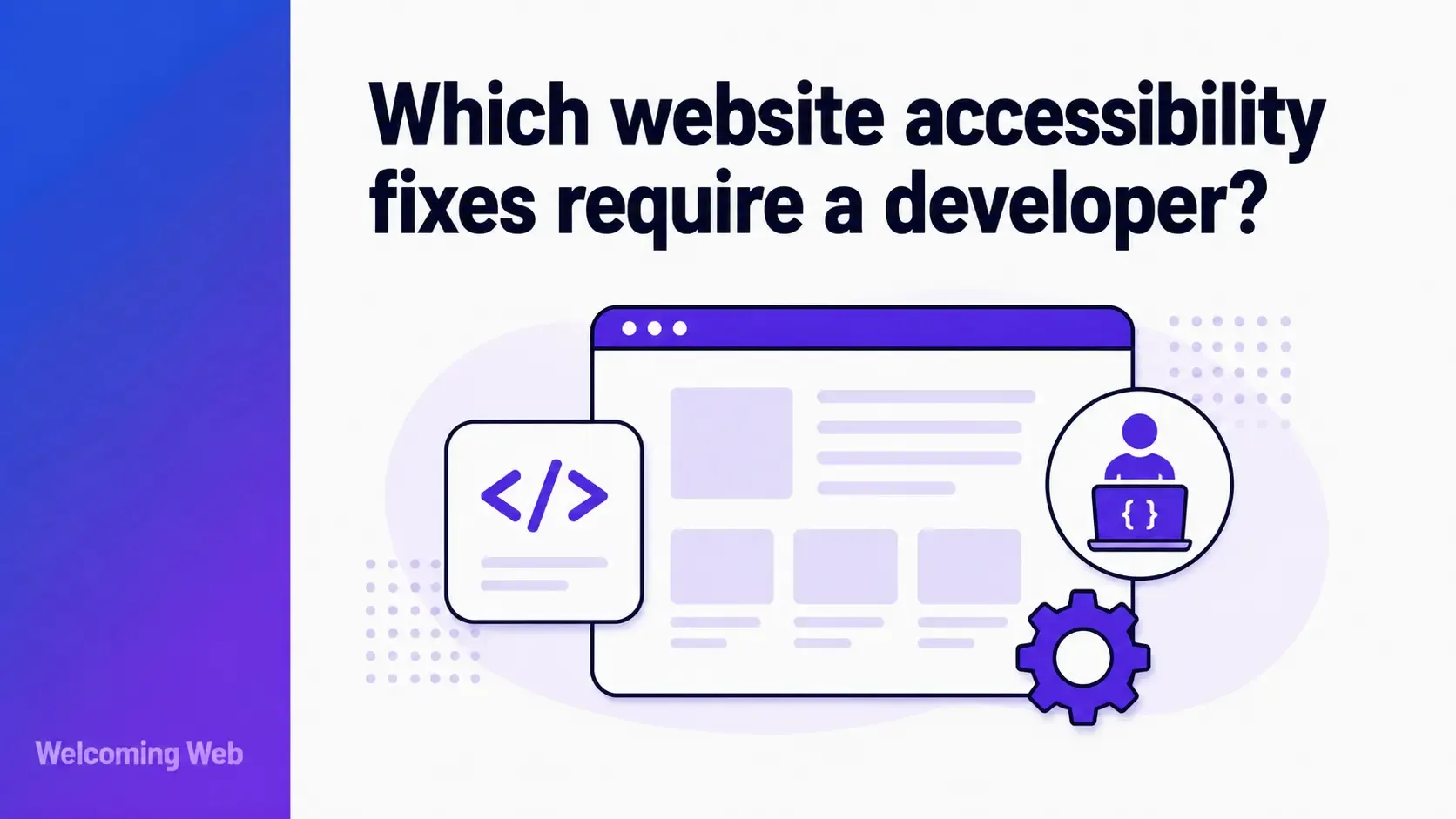
Some website accessibility fixes require a developer to change the source code. Others can be handled by content editors, designers, or site administrators. The dividing line is whether the fix involves the structure and behaviour of the page or the content on it. This guide covers which fixes fall on each side of that line and where AI-assisted remediation reduces the volume of accessibility fixes that require a developer.
What determines whether an accessibility fix requires a developer?
The determining factor of whether an accessibility fix requires a developer is whether the fix involves the website's source code. If the issue exists in how the page is built, its HTML structure, JavaScript behaviour, or CSS, addressing it requires someone with access to that code. If the issue exists in the content on the page, the text, images, links, and documents, it can usually be addressed by anyone with CMS access.
Website accessibility issues that are structural tend to be template-level problems that affect every instance of a component across the site. A button that cannot be activated by keyboard fails on every page that uses that button component. Fixing it in the component code fixes it everywhere. Content issues tend to be page-level problems that need to be addressed one by one. An image missing alt text on a product page is a single fix that does not affect any other page.
This distinction shapes how accessibility work should be divided across a team and how a backlog should be prioritised when developer time is limited.
Which accessibility fixes require a developer?
The following issues are accessibility fixes that require a developer because they involve changes to the website's source code that cannot be made by a content editor or designer working in a CMS without technical access.
Keyboard navigation failures. When menus, modals, dropdowns, or interactive components cannot be operated by keyboard, the fix requires changes to the HTML and JavaScript event handling of those components. Adding keyboard support to a custom dropdown or ensuring that a modal dialog traps focus correctly while open is developer work. There is no content-level workaround for this type of failure.
Missing or incorrect semantic HTML. A page that uses <div> elements styled to look like headings, buttons, or list items requires the underlying HTML to be changed. A content editor working in a rich text editor cannot change the HTML element type of a component. Only a developer with access to the template or component code can do that.
ARIA implementation. Adding aria-label, aria-expanded, aria-live regions, and other ARIA attributes to interactive components requires direct access to the HTML. When a custom component has no accessible name or does not communicate its state to assistive technology, the fix is a code change.
Focus management. When focus is not managed correctly after a modal closes, after a page section updates dynamically, or after a form submission, fixing it requires JavaScript changes to move focus programmatically. A content editor cannot make this change.
Heading hierarchy in templates. If the heading structure of a page is broken because of how the template is built, for example every page starting with an <h2> because the <h1> is hard-coded elsewhere in the template, fixing it requires a template change. A content editor can only control the headings they add within the content area, not the headings built into the page structure.
Video captions for embedded content. If videos are embedded using a custom player with no caption support, adding caption functionality requires developer work. If the player supports captions but none have been added, that is a content-level fix.
Which accessibility fixes do not require a developer?
A significant proportion of the most common accessibility failures fall into the content and presentation category, meaning they can be addressed by content editors, designers, or site administrators without writing any code. The fixes below are the ones most likely to appear in a scan report and least likely to need developer time.
Image alternative text. Adding or editing alt text is a content-level fix in virtually every CMS. In WordPress, Shopify, Wix, Webflow, and most other platforms, alt text is added through the media upload interface or image settings panel. No code is required. This is one of the most common WCAG failures and one of the most straightforward to address once identified.
Link text. Non-descriptive link text such as "read more" or "click here" is a content issue. A content editor can update link text directly in the page editor without touching any code. The fix is writing more descriptive text that tells the reader where the link leads.
Page titles and document titles. Most CMS platforms allow content editors to set the page title and meta title through the page settings interface. Duplicate or missing page titles are fixable without developer involvement in most cases.
Plain language and reading level. Content that is unnecessarily complex, uses jargon without explanation, or assumes knowledge the reader may not have is a writing issue. Improving it is a content editor's responsibility and requires no technical access.
Video captions through the platform. If videos are hosted on platforms like YouTube, Cinema8, or Vimeo that support captions, adding accurate captions is a content-level task and does not require code changes to the website itself.
PDF accessibility in some cases. If PDFs are being produced from Word or Google Docs, adding document structure, headings, and alt text for images before export is a content-level process. Remediating an existing inaccessible PDF requires dedicated PDF accessibility tools.
Does fixing colour contrast require a developer?
Colour contrast is worth addressing specifically because the answer depends on what is causing the contrast failure and who controls the relevant styles.
If the contrast failure is in the CSS of the website, the fix is a CSS change. Whether this is one of the accessibility fixes that requires a developer depends on how the site is set up. In some platforms, theme colour settings can be changed through the admin interface without touching code. In others, changing a colour requires editing a CSS file or theme variables.
If the contrast failure is in an image, fixing it means recreating or editing the image, which is a design task.
If the contrast failure is in body text colour applied through a design system or component library, the fix is likely a developer task because changing it in one place changes it everywhere, and that requires understanding the system's architecture.
Contrast fixes that involve colours set in a CMS theme interface can often be handled without a developer. Contrast fixes that involve editing stylesheets or component code are accessibility fixes that require a developer.
How does AI-assisted remediation help with accessibility fixes?
AI-assisted remediation tools reduce the volume of accessibility fixes that require a developer by generating suggested fixes for supported issue types that teams can review and approve without writing code manually.
Welcoming Web's AI-assisted remediation generates suggested fixes for supported issue types including missing image descriptions, colour contrast failures where the fix can be applied at the content level, and unlabelled form fields. Teams review each suggestion before anything is applied. No fix is made without approval, and teams can choose to handle any fix manually if they prefer.
This does not eliminate the need for developer involvement on structural issues. Keyboard navigation failures, ARIA implementation, focus management, and semantic HTML problems are still accessibility fixes that require a developer. What AI-assisted remediation does is reduce the manual effort required to work through the content-level issues that form a significant proportion of any site's accessibility backlog, freeing developer time for the structural fixes that genuinely need it.
How do you prioritise accessibility when developer resources are limited?
When developer time is constrained, the most straightforward approach for prioritising accessibility is to address content-level fixes first while preparing a list of accessibility fixes that require a developer for technical attention.
Content editors and designers can work through image alt text, link text, page titles, and plain language issues independently. These fixes reduce the overall issue count and demonstrate active remediation effort, which is important for compliance documentation.
The structural fixes that need developer time should be prioritised by severity and user impact. Keyboard traps that prevent users from navigating a page at all take priority over heading hierarchy issues in a low-traffic page template. An accessibility scan produces a prioritised issue list grouped by severity, making it straightforward to identify which developer fixes carry the most weight.
Welcoming Web's dashboard tracks whether issues are new, fixed, or reappearing, giving teams a clear picture of what has been addressed and what remains outstanding. Reports can be exported in PDF or CSV format for developer handover or compliance documentation.
Understanding accessibility fixes and developer involvement going forward
Understanding which accessibility fixes require a developer and which do not is the most useful frame for managing an accessibility backlog with limited resource. Content editors can make meaningful progress on alt text, link text, and plain language issues without any code access. Structural failures around keyboard navigation, ARIA, and semantic HTML are accessibility fixes that require a developer and should be prioritised by severity.
A free accessibility scan with Welcoming Web can take as little as 60 seconds and gives you a prioritised issue list that makes it easier to identify which fixes belong to which category and where to focus first.

Written by
Alisan Erdemli
CEO at Welcoming Web, and web accessibility technology expert
Connect on LinkedInReady to Make Your Website Accessible?
Join thousands of satisfied users who trust WelcomingWeb to deliver fully accessible, compliant, and inclusive digital experiences.