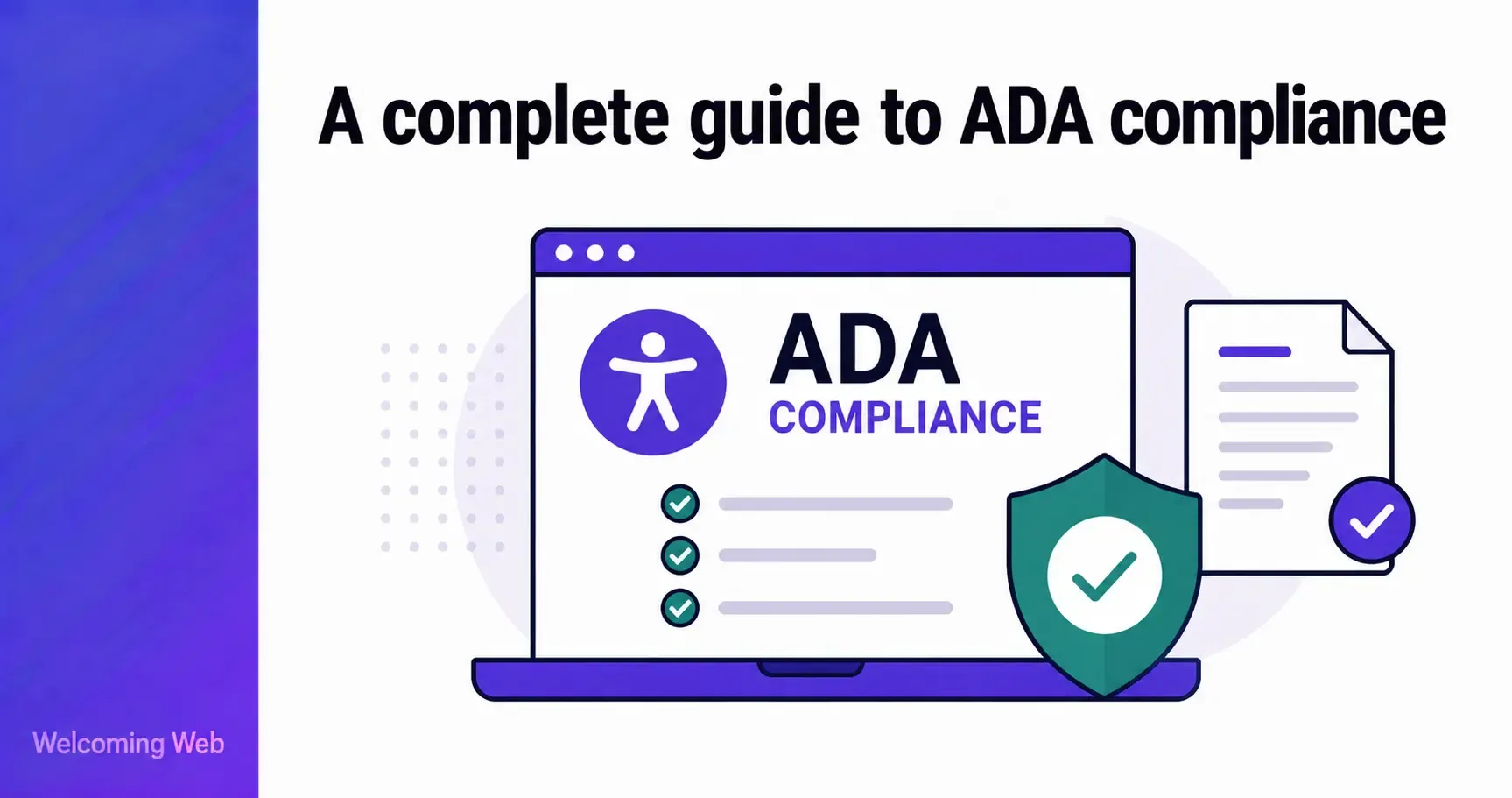
ADA compliance for websites means ensuring people with disabilities have equal access to your digital content and services. The Americans with Disabilities Act was signed into law in 1990. Courts and the Department of Justice have consistently interpreted it to apply to websites. This guide covers what ADA compliance means in practice, who it applies to, the technical requirements, the legal risk of non-compliance, and how to work toward it.
What is ADA compliance for websites?
ADA compliance for websites means meeting the requirements of the Americans with Disabilities Act as they apply to digital content. The ADA is a federal civil rights law that prohibits discrimination against people with disabilities. Title III of the ADA requires private businesses that serve the public to provide equal access to people with disabilities. Courts and the DOJ have consistently interpreted this to include websites and mobile applications, even though the original law makes no explicit mention of them.
In practice, ADA compliance for websites means ensuring that people with visual, hearing, motor, and cognitive disabilities can access the same information and functionality as everyone else. The technical benchmark that courts and the DOJ consistently reference is WCAG 2.1 Level AA, the international standard for website accessibility published by the W3C.
ADA compliance is an ongoing obligation to ensure that a website remains accessible as its content, design, and functionality evolve.
Who does ADA compliance apply to?
The ADA applies to a wide range of organisations, and the obligations differ between Title II and Title III.
ADA Title II: State and local governments
ADA Title II covers state and local government entities. In April 2024, the Department of Justice published a final rule under Title II requiring state and local governments to ensure their websites and mobile applications conform to WCAG 2.1 Level AA. Compliance deadlines are phased based on population: entities serving 50,000 or more must comply by April 26, 2027, and smaller entities by April 26, 2028, following an extension confirmed in April 2026.
ADA Title III: Private businesses and nonprofits
ADA Title III covers private businesses and nonprofits that offer goods and services to the public, referred to as public accommodations. This includes retailers, restaurants, hotels, healthcare providers, financial services, and online-only businesses. Unlike Title II, Title III does not have a specific technical standard written into federal regulation. The DOJ and courts consistently reference WCAG 2.1 Level AA as the benchmark in enforcement actions and litigation, but no formal rule has been issued for private entities under Title III as of mid-2026.
A key question in Title III litigation has been whether online-only businesses without a physical location are covered. Courts are divided on this point, though the majority position and recent legislative proposals affirm that digital spaces are covered under Title III regardless of whether a physical location exists.
Section 504 of the Rehabilitation Act
Section 504 of the Rehabilitation Act prohibits discrimination on the basis of disability by organisations that receive federal funding. This includes most universities, colleges, hospitals, and healthcare providers, as well as any private organisation that accepts federal grants or contracts.
For website accessibility, Section 504 operates alongside the ADA. The DOJ's 2024 Title II rule is expected to inform how Section 504 obligations are interpreted for digital content, with WCAG 2.1 Level AA serving as the practical benchmark. Organisations covered by Section 504 that also serve the public may face obligations under both Section 504 and ADA Title III simultaneously, meaning the compliance standard is effectively the same regardless of which law applies.
What are the technical requirements for ADA website compliance?
The ADA does not specify its own technical accessibility standard for private businesses. The benchmark that courts and the DOJ consistently apply is WCAG 2.1 Level AA, the international standard for website accessibility published by the W3C.
In practice, meeting WCAG 2.1 Level AA for ADA purposes means addressing the most common barriers that affect users with disabilities. These include:
- Providing text descriptions for all images so screen readers can convey their content.
- Ensuring all functionality is operable by keyboard, without requiring a mouse.
- Providing captions for video content.
- Meeting minimum colour contrast ratios for text and interactive elements.
- Ensuring forms and interactive elements are labelled so assistive technologies can identify them.
- Structuring content with a logical heading hierarchy that screen reader users can navigate.
WCAG 2.2, published in October 2023, is backward compatible with WCAG 2.1 and adds nine new success criteria. While WCAG 2.1 Level AA is the current legal benchmark, organisations targeting WCAG 2.2 Level AA are better positioned for future regulatory updates without needing additional changes when requirements evolve.
What is the legal risk of ADA non-compliance?
The legal risk of non-compliance with ADA website accessibility requirements is significant and growing. According to Seyfarth Shaw, a law firm that tracks ADA Title III litigation, 3,117 federal website accessibility lawsuits were filed in 2025, a 27% increase from 2024, representing the highest volume in three years.
Private litigation under ADA Title III is the primary enforcement mechanism for most businesses. The DOJ has deprioritised enforcement under the current administration, but this has not reduced litigation risk. The American Bar Association noted in August 2025 that reduced DOJ enforcement is likely to increase private litigation, as plaintiffs continue to file cases independently.
The consequences of a successful ADA claim typically include legal fees, a settlement or damages payment, and a court order requiring remediation of the accessibility issues. Most cases settle before reaching trial, often because businesses with inaccessible websites have limited defences once a WCAG failure is established.
An important point for private sector organisations: the absence of a specific technical standard under Title III cuts both ways. Businesses cannot point to a definitive compliance checklist, but plaintiffs also have to establish that a website fails to provide equal access, not simply that it fails individual WCAG criteria. The practical implication is that documented good faith effort (such as scanning, tracking issues, and working toward WCAG conformance) is meaningful context for how complaints and cases are handled.
Does ADA compliance apply to mobile apps and PDFs?
ADA compliance obligations extend beyond websites to cover mobile applications, PDFs, and other digital content. Courts and the DOJ have made clear that the ADA's requirements apply wherever a business is providing goods or services to the public digitally.
Mobile applications are covered under both Title II and Title III. The DOJ's 2024 Title II rule explicitly includes mobile apps alongside websites. For private businesses under Title III, the same courts and DOJ guidance that apply WCAG to websites apply the same standard to mobile applications.
PDFs and documents shared publicly or used as part of a service (e.g. booking forms, application documents, product information) are expected to meet accessibility standards. PDFs that are inaccessible to screen readers are a frequent source of ADA complaints. The standard for accessible PDFs is PDF/UA, though WCAG criteria related to documents also apply.
Third-party content and tools present a more nuanced picture. Organisations are generally expected to ensure that content and tools they deploy on their sites are accessible, even if developed by a third party. The DOJ's Title II rule specifically addresses third-party content managed on behalf of a public entity.
How do you work toward ADA compliance?
Working toward ADA compliance follows the same practical sequence regardless of the size or type of organisation.
- Understand what is currently wrong. Accessibility issues cannot be fixed without first being identified. Scanning pages against WCAG 2.1 Level AA produces a prioritised issue list grouped by severity. Welcoming Web's scanning tools check pages against ADA Title III, WCAG 2.2, and other supported standards, recording where issues appear, what type of issue each one is, and which success criterion it relates to. Running a scan does not change anything on the website.
- Prioritise critical issues first. Issues that completely block a user from accessing content or completing a task should take priority over lower-severity items. These include unlabelled form fields, navigation that cannot be operated by keyboard, and missing image descriptions on meaningful images.
- Fix issues systematically and keep a record. For issues that can be addressed through code changes, fixes should be implemented by a developer or reviewed using AI-assisted suggestions. Welcoming Web generates suggested fixes for supported issue types such as missing image descriptions, contrast failures, and unlabelled form fields. Teams can review these suggested fixes and approve before anything changes. No fix is applied without sign-off. The dashboard tracks what has been found, what has been addressed, and what has changed since the last scan, producing a dated record of accessibility work that can be exported for compliance documentation.
- Add a visitor-facing accessibility widget. Welcoming Web's accessibility widget sits on top of the existing site and gives every visitor direct control over how it looks and behaves for them. Text size, contrast, spacing, keyboard navigation, and motion reduction are all adjustable by the individual visitor without changing anything for other users or touching the source code.
- Monitor on a schedule. Every new feature, content update, and design change can introduce new barriers when it comes to accessibility. Weekly or monthly scheduled scans catch regressions before they accumulate and before a user or plaintiff encounters them.
What is the difference between ADA compliance and WCAG compliance?
ADA compliance and WCAG compliance are related. Understanding the distinction is important for organisations and how they frame their accessibility programme.
WCAG is a technical standard. It sets out specific, testable success criteria for making web content accessible. Conforming to WCAG 2.1 Level AA means meeting those criteria. It is measurable and auditable.
ADA compliance is a legal obligation that requires businesses to provide equal access to people with disabilities in how they deliver goods and services. The ADA does not prescribe specific technical criteria for private businesses, but courts consistently use WCAG 2.1 Level AA as the benchmark when assessing whether a website provides equal access.
The practical implication is that WCAG conformance is the most reliable way to demonstrate ADA compliance, but the two are not synonymous. A website can technically pass all automated WCAG checks while still having barriers that affect real users with disabilities. And a site can have some WCAG failures while still providing substantially equal access, which is the ADA's actual standard.
ADA website compliance: what to take away
ADA compliance for websites is an active and growing area of legal obligation. The litigation data is unambiguous: thousands of cases are filed every year, most settle because inaccessible websites have few defences, and reduced DOJ enforcement has not reduced private litigation risk. The organisations that are best positioned are those that understand what is on their site, address the most critical barriers first, and keep a dated record of the work.
A free accessibility scan with Welcoming Web takes 60 seconds and gives you a prioritised view of where your site currently stands against WCAG 2.1 and ADA standards.

Written by
Alisan Erdemli
CEO at Welcoming Web, and web accessibility technology expert
Connect on LinkedInReady to Make Your Website Accessible?
Join thousands of satisfied users who trust WelcomingWeb to deliver fully accessible, compliant, and inclusive digital experiences.