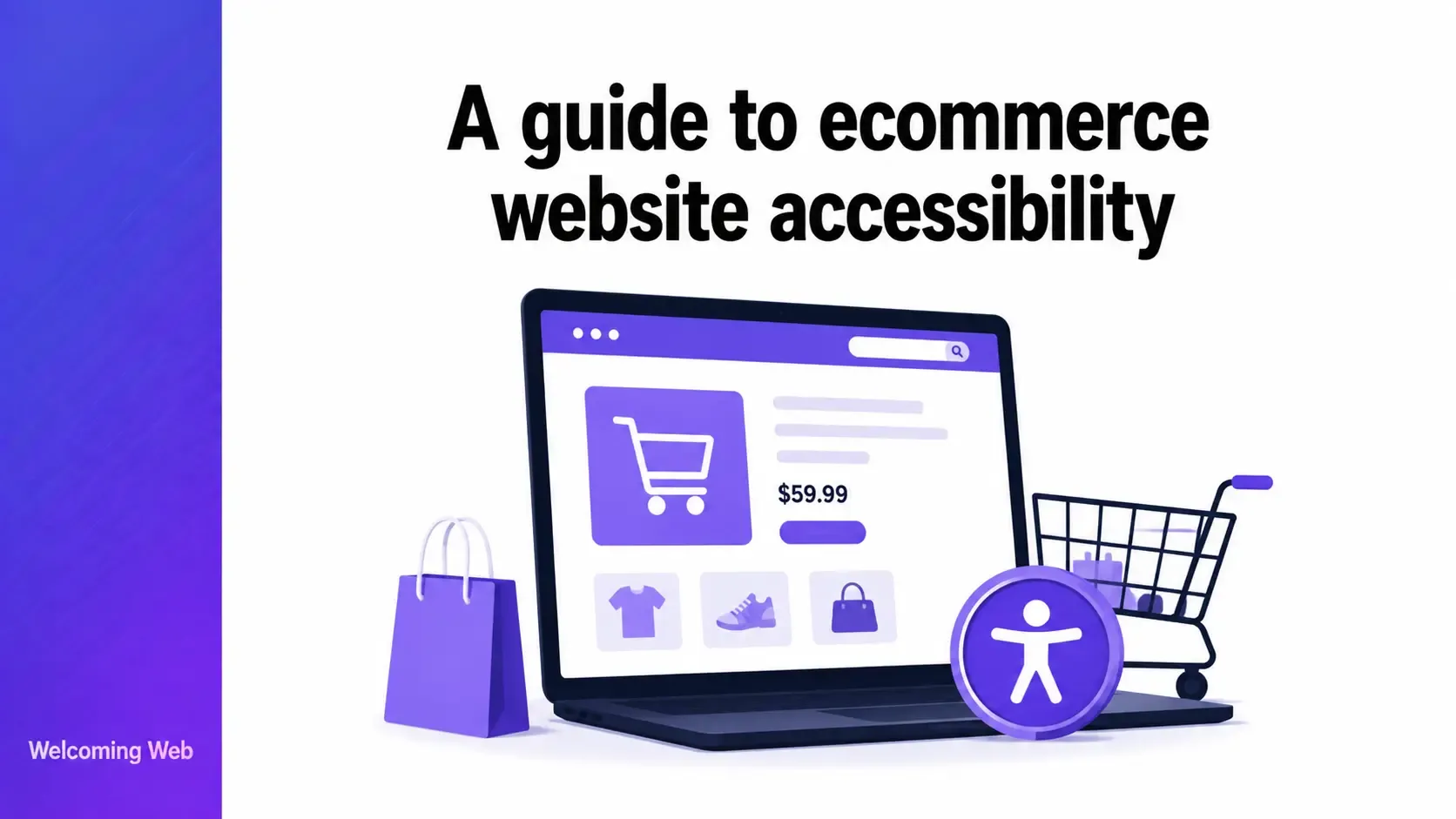
Ecommerce website accessibility determines whether users with disabilities can browse, filter, add to cart, and complete a purchase without encountering barriers. The Contentsquare Foundation found that 94% of major ecommerce sites have inaccessible checkout journeys, making the purchase flow the most consistently failing element of ecommerce website accessibility. This guide covers what the requirements are, where failures most commonly occur, and how to test and fix them.
What makes ecommerce website accessibility different from general website accessibility?
Ecommerce website accessibility involves everything that general website accessibility requires, and several additional challenges that are specific to the online retail context. A content website needs accessible headings, images, and links. An ecommerce site needs all of those, plus accessible product variant selectors, filterable product listings, dynamic cart updates, multi-step checkout flows, payment processing interfaces, and order confirmation pages.
Each stage of the shopping journey presents distinct accessibility requirements. A user who can navigate the homepage successfully may encounter a complete barrier when trying to select a product size, add an item to the cart, or enter payment details. Ecommerce website accessibility spans every step of the purchase journey, from product discovery through to order completion.
The legal stakes are also higher for ecommerce sites than for informational websites. ADA Title III litigation consistently targets ecommerce platforms because the accessibility failures directly prevent users from completing a commercial transaction, which courts treat as the clearest form of unequal access under disability law. The European Accessibility Act, enforceable from 28 June 2025, explicitly covers ecommerce services provided to EU consumers, making accessible online retail a legal requirement across the EU regardless of where the business is based.
What WCAG requirements apply specifically to ecommerce?
Ecommerce websites must meet WCAG 2.1 Level AA across all pages and user flows, which is the same standard that applies to all websites. Several success criteria are particularly significant in the ecommerce context because they apply to interactions that are common in online retail but rare on informational sites.
WCAG 1.1.1 Non-text Content (Level A) applies to product images, which must have alt text that describes the product accurately enough for a screen reader user to make an informed purchasing decision. "Product image" or a filename is not sufficient. The alt text for a product image should convey the same information a sighted user would gain from seeing the image: colour, material, style, and key visual features.
WCAG 1.3.1 Info and Relationships (Level A) applies to product listings, filter controls, and form fields throughout the checkout. Information conveyed through visual presentation, including which filter option is selected, which product variant is active, and which form field has an error, must also be conveyed programmatically so assistive technology can interpret it.
WCAG 2.1.1 Keyboard (Level A) applies to every interactive element in the shopping journey, including product filters, variant selectors, quantity fields, add to cart buttons, modal dialogs, and every step of the checkout flow. Any functionality that requires a mouse excludes keyboard-only users and screen reader users from that part of the purchase journey.
WCAG 2.4.11 Focus Not Obscured Minimum (Level AA), introduced in WCAG 2.2, is particularly relevant for ecommerce sites because sticky headers, cookie banners, and chat widgets frequently cover focused elements as users navigate by keyboard. A keyboard user who cannot see which element has focus cannot navigate the site effectively.
WCAG 3.3.1 Error Identification (Level A) and 3.3.3 Error Suggestion (Level AA) apply to every form in the checkout flow. When a user makes an error, including an invalid card number, a missing required field, or an unrecognised postcode, the error must be identified specifically, described in text, and accompanied by a suggestion for how to correct it. Colour-only error indicators, such as a red border on a field with no text explanation, fail this requirement.
WCAG 2.2.2 Pause, Stop, Hide (Level A) applies to any auto-playing content on ecommerce sites, including promotional banners, product image carousels, and countdown timers. Users must be able to pause or stop any moving content.
Where does ecommerce website accessibility fail most often?
The accessibility failures that appear most consistently on ecommerce sites cluster around the specific interactive elements that make online retail different from informational websites.
Product listings and filtering
Product listing pages that use hover-only interactions for filtering, sorting, or quick-view functionality exclude keyboard users from those features entirely. Filter panels that update results dynamically without announcing the change to screen readers leave assistive technology users unaware that the product list has changed. Pagination controls that use icon-only buttons with no text label are invisible to screen readers.
The most common product listing failure is a filter interface that is visually intuitive but programmatically opaque. Checkboxes that are styled to look like toggles but do not use the <input type="checkbox"> element, or custom dropdown menus that do not respond to keyboard input, create barriers for the users most likely to rely on them.
Product pages
Product pages present specific ecommerce accessibility challenges around variant selection and product information. These are important considerations for Shopify accessibility and other ecommerce platforms where themes and apps can influence how product options are presented. Colour selectors that use only colour swatches with no text label fail users who cannot distinguish colours. Size selectors that use custom styled elements rather than native <select> elements or properly labelled radio buttons create keyboard accessibility failures. Quantity fields without visible labels are inaccessible to screen readers.
Product images are one of the most commonly failing elements on ecommerce sites, and with hundreds or thousands of product images on a typical catalogue, the scale of the problem compounds quickly. A product image needs alt text that describes what a sighted user would gain from seeing it. "Women's white leather trainers with gold logo detail" serves a screen reader user. "Shoe" does not.
Shopping cart and dynamic updates
When a user adds an item to a shopping cart, the cart total and item count update dynamically. On most ecommerce sites, this update produces no announcement to screen readers. A user navigating by screen reader who adds an item to the cart receives no confirmation that anything happened unless the site uses an ARIA live region to announce the change.
Cart pages that display items in a table-like layout without proper table markup, or that use icon-only remove buttons with no accessible name, create specific screen reader barriers. The remove button for a cart item needs an accessible name that identifies which item it removes: "Remove Women's White Trainers, Size 6 from cart" gives a screen reader user the context to act confidently.
Checkout flow
The checkout flow is the most accessibility-critical part of any ecommerce site because failures here directly prevent users from completing a purchase. The Contentsquare Foundation found that 94% of major ecommerce sites had inaccessible checkout journeys, making the checkout the most consistently failing element of ecommerce website accessibility.
The most common checkout failures include:
- Form fields without visible labels, or with labels that are not programmatically associated with their input using the for and id attributes.
- Error messages that appear visually but are not announced to screen readers when validation fails.
- Address autocomplete suggestions that cannot be navigated by keyboard.
- Progress indicators that communicate the current checkout step visually but not programmatically.
- Payment form fields embedded in iframes from payment processors that have not been built accessibly
Payment processing
Payment forms embedded through third-party processors present a specific challenge: the ecommerce site owner does not control the accessibility of the payment interface. A checkout that is fully accessible up to the payment step but presents an inaccessible payment form at the final stage blocks users from completing their purchase.
Before selecting a payment processor, ecommerce site owners should verify that the processor's embedded form meets WCAG 2.1 Level AA. A hosted payment page moves the user to the processor's own platform to complete payment, shifting accessibility responsibility for that step to the processor.
CAPTCHA and bot protection
CAPTCHA and bot protection systems are a significant and frequently overlooked ecommerce accessibility barrier. Image-based CAPTCHAs that require users to identify objects in photographs are inaccessible to blind users. Audio alternatives are often difficult to use and inconsistently provided. Time-limited CAPTCHAs create barriers for users who need more time to complete them.
WCAG 1.1.1 requires that CAPTCHA has alternative text and that an alternative form is provided for different disability types. The most accessible approach to bot protection for ecommerce sites is behavioural analysis, which verifies users without presenting a challenge they must solve. Most ecommerce platforms do not offer this by default and it requires custom technical implementation.
How do you test an ecommerce site for accessibility?
Testing ecommerce website accessibility requires the same combination of automated scanning and manual testing that applies to any website, with specific attention to the interactive elements of the shopping journey.
Automated scanning identifies detectable WCAG failures across product pages, listing pages, and checkout pages. Welcoming Web's scanning tools check pages against WCAG 2.2, ADA Title III, EN 301 549, and UK Equality Act 2010 standards, recording where each issue appears and which criterion it relates to. A free accessibility scan with Welcoming Web identifies missing alt text, unlabelled form fields, colour contrast failures, and other detectable issues across your product templates in 60 seconds.
Automated scanning has a specific limitation for ecommerce: it cannot scan pages that require authentication or that are only accessible after items have been added to the cart. The cart page, the checkout flow, and the order confirmation page all require manual testing because they cannot be reached by a crawler without simulating a user session.
Manual keyboard testing of the full purchase journey, from product search through filter, product selection, variant selection, add to cart, checkout, and payment, is the most important test for ecommerce website accessibility. Tab through every step using only the keyboard. Check that every interactive element is reachable and operable, that focus is visible at every step, that no keyboard traps occur, and that dynamic updates such as cart additions and validation errors are announced correctly.
Screen reader testing of the checkout flow with NVDA and Firefox or VoiceOver and Safari verifies that form fields are announced with their labels, that error messages are announced when validation fails, that dynamic updates are communicated, and that the payment form is accessible to assistive technology.
How do you fix ecommerce accessibility issues?
The approach to fixing ecommerce website accessibility issues depends on whether the issue is in the site's own code, in a third-party component, or in content.
Platform and template fixes address the structural accessibility of the site's templates: heading hierarchy, landmark regions, skip navigation, focus indicator visibility, and the semantic HTML of interactive components. These require developer involvement and are often the highest-impact fixes because they affect every page that uses the template.
Component fixes address specific interactive elements: product filter controls, variant selectors, cart update announcements, modal dialogs, and accordion components. Custom components built with non-semantic HTML require ARIA implementation and keyboard event handling to be added explicitly. Where a custom component is difficult to make accessible, replacing it with a native HTML element that provides accessibility behaviour by default is often the most efficient solution.
Content fixes address missing or inadequate alt text on product images, non-descriptive link text, and missing page titles. These can typically be addressed by content teams without developer involvement through the CMS or ecommerce platform's admin interface.
Third-party fixes require engaging payment processors, review platforms, chat tool vendors, and other third parties to address accessibility failures in their embedded components. Where a vendor cannot provide an accessible solution within a reasonable timeframe, evaluating alternative vendors is the most reliable path.
Welcoming Web's AI-assisted remediation generates suggested fixes for supported issue types including missing image descriptions, colour contrast failures, and unlabelled form fields. Teams can review each suggestion before it is applied and choose to handle fixes manually if they prefer.
Ecommerce website accessibility and legal compliance
Ecommerce sites face legal accessibility obligations across all major markets. ADA Title III applies to US ecommerce sites serving the public, and ecommerce has consistently been the most targeted sector in ADA website accessibility litigation. The European Accessibility Act, enforceable from 28 June 2025, applies to ecommerce services provided to EU consumers regardless of where the business is based. UK ecommerce sites face obligations under the Equality Act 2010.
The Contentsquare Foundation found that sites which published an accessibility statement scored on average 8 points higher on accessibility than those that did not, suggesting that governance and transparency correlate with better accessibility outcomes. Publishing an accurate accessibility statement, maintaining a documented scan and remediation record, and running scheduled monitoring scans are the most effective steps an ecommerce operator can take to build a defensible compliance position.
Ecommerce website accessibility: what every online retailer needs to address
Ecommerce website accessibility spans every stage of the purchase journey, from product discovery through payment. The checkout is the highest-stakes point, because a user who cannot complete a purchase has been excluded from the commercial transaction entirely, which courts treat as the clearest form of unequal access under disability law.
Running a free accessibility scan with Welcoming web can show you where your product templates and publicly accessible pages currently stand against WCAG 2.2 and ADA standards. Manual testing of the cart and checkout flow completes the picture.

Written by
Alisan Erdemli
CEO at Welcoming Web, and web accessibility technology expert
Connect on LinkedInReady to Make Your Website Accessible?
Join thousands of satisfied users who trust WelcomingWeb to deliver fully accessible, compliant, and inclusive digital experiences.