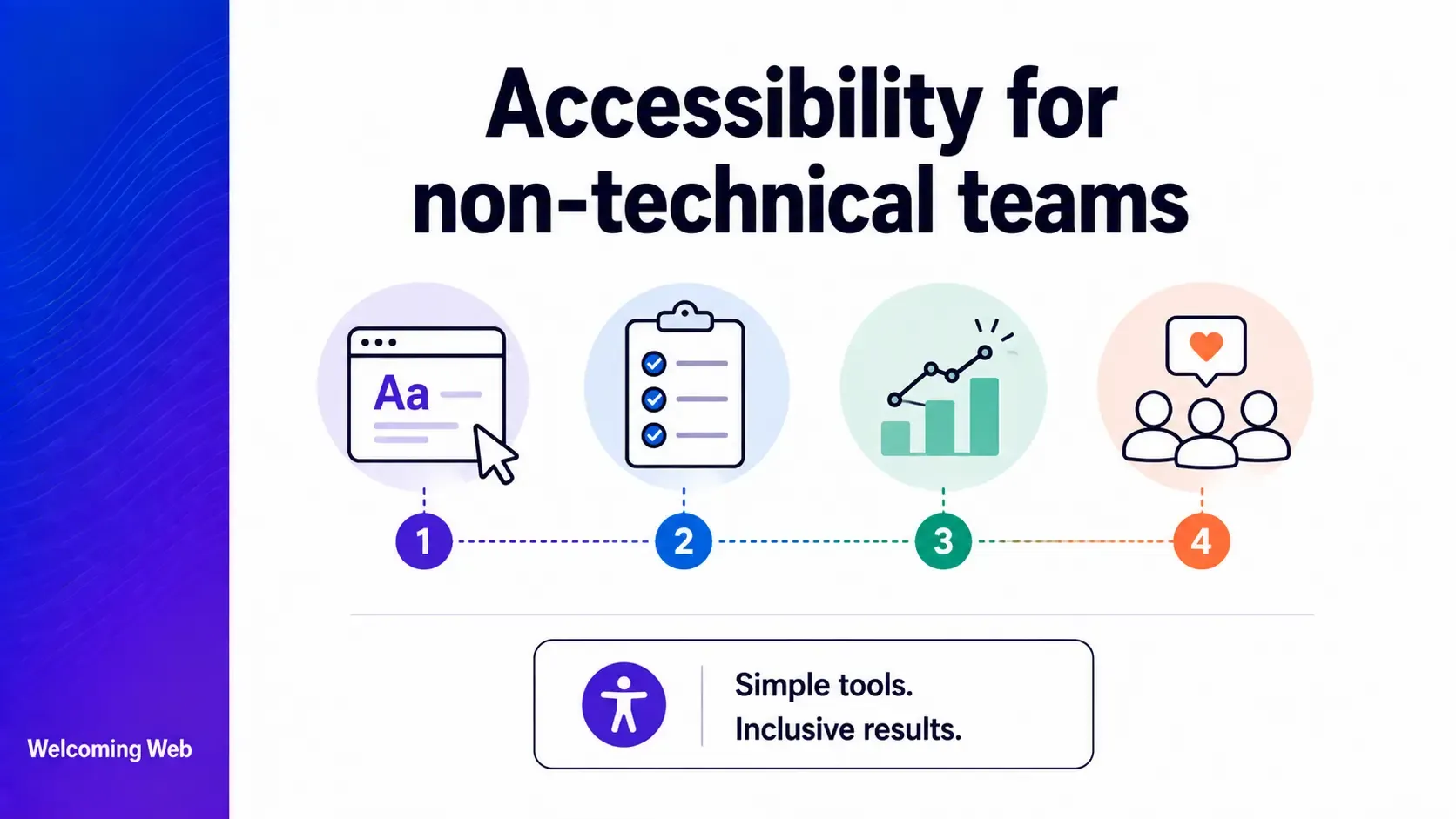
Accessibility for non-technical teams covers the content and process decisions that content editors, marketers, and project managers make every day. These decisions directly determine whether a website works for users with disabilities, from what alt text to write to whether accessibility requirements appear in a feature brief. This guide covers what each role can do without writing a single line of code.
What is accessibility for non-technical teams?
Accessibility for non-technical teams refers to the accessibility decisions and responsibilities that fall to people who do not write code. Content editors, marketers, designers, and project managers all make decisions every day that directly affect whether a website works for users with disabilities. Writing alt text for an image, labelling a link descriptively, including accessibility requirements in a feature brief, and captioning a video are all accessibility decisions that require no technical knowledge to make correctly.
Accessibility is frequently mischaracterised as a purely technical problem. In practice, different roles are responsible for different accessibility tasks. For example, content-level accessibility failures, including missing alt text, non-descriptive link text, and videos without captions, are among the most common failures found in website audits, and all of them sit within the control of non-technical teams.
Why do non-technical teams need to understand accessibility?
The content and process decisions that non-technical teams make every day have accessibility consequences that no developer can compensate for after the fact. Understanding that is the foundation of accessibility for non-technical teams.
A content editor who publishes an image without alt text has created an accessibility barrier that a screen reader user will encounter on every visit, regardless of how accessible the underlying code is. A marketer who creates a campaign email with "click here" links has created a navigation problem for screen reader users who navigate by links. A project manager who writes a feature brief without accessibility requirements has given the development team no basis for building or testing accessibility into the feature.
None of these decisions require technical knowledge to make correctly. They simply require awareness that accessibility is part of the job.
What can content editors do for accessibility without technical help?
Content editors have more influence over a site's accessibility than most people in non-technical roles realise. The content decisions they make every time they publish affect screen reader users, keyboard users, and users with cognitive disabilities directly.
Write meaningful alt text for every informative image. When an image conveys information, the alt text should describe what that information is. A chart showing quarterly sales growth needs alt text that conveys the trend. A decorative image that adds no information to the page should use an empty alt attribute, which tells screen readers to skip it. Most CMS platforms provide an alt text field for every image. Filling it in consistently is one of the highest-impact content-level accessibility improvements available.
Use descriptive link text. Screen reader users frequently navigate pages by pulling up a list of all links. A page with multiple "read more," "click here," or "find out more" links gives those users no information about where each link leads. Every link should describe its destination in the link text itself. "Download the ADA compliance checklist" tells the reader exactly what will happen when they click.
Structure content with a logical heading hierarchy. Screen reader users navigate pages by jumping between headings, in the same way a sighted user might scan subheadings to find the section they need. A page where headings are chosen for visual styling rather than structural logic breaks that navigation. Each heading level should reflect where that content sits in the page structure.
Write in plain language. Users with cognitive disabilities, dyslexia, or limited literacy benefit from clear, simple language. Short sentences, common words, and active voice improve readability for all users without requiring any technical changes.
Provide captions and transcripts for video content. Video content without captions excludes users who are deaf or hard of hearing, and users in environments where audio cannot be played. Most video hosting platforms including YouTube and Vimeo support caption upload or auto-generation. Auto-generated captions need human review before publishing. The accuracy of automated captions varies significantly, particularly for technical terminology, proper nouns, and accented speech.
What can marketers do for accessibility without technical help?
Accessibility for non-technical teams in a marketing context means applying the same content principles across every channel: email, social media, documents, and advertising creative.
Marketing emails are subject to the same accessibility requirements as web pages. Every image needs alt text, link text needs to describe its destination, and the reading order should make logical sense without the visual layout. A plain text version should be available for email clients and assistive technologies that do not render HTML correctly.
On social media, most major platforms now support alt text for images. Adding a meaningful description when uploading content to LinkedIn, X, Facebook, and Instagram is a content-level decision that takes seconds. Video content shared on social platforms should include captions, either added through the platform's captioning tool or uploaded as a separate caption file.
Documents shared as downloads need the same structural accessibility as web pages. A PDF created from a Word document that uses proper heading styles, alt text for images, and logical reading order produces an accessible file without specialist tools. A document where headings are applied through font size and bold styling rather than actual heading styles will be inaccessible to screen readers regardless of how it looks visually.
Advertising creative should never rely on colour alone to convey information. Text in advertising images needs sufficient colour contrast, and videos without captions exclude users who cannot hear the audio. These decisions are made at the briefing stage, before any technical implementation, which means they sit firmly within the marketing team's control.
What can project managers do for accessibility without technical help?
Accessibility for non-technical teams in a project management context comes down to one core responsibility: making accessibility a requirement before work begins.
- Include accessibility requirements in briefs. A feature brief that does not mention accessibility will not produce an accessible feature, regardless of how committed the development team is. WCAG conformance level, keyboard operability, screen reader compatibility, and colour contrast requirements should appear in every feature brief as explicitly as functional requirements. The development team cannot reasonably be held accountable for accessibility outcomes that were not included in the brief they were given.
- Add accessibility to acceptance criteria. Accessibility requirements written into acceptance criteria before development begins give QA engineers something specific to verify before sign-off. "All form fields must have programmatically associated labels" is the kind of criterion that produces a clear pass or fail result.
- Schedule accessibility testing as part of the release process. Including a targeted accessibility check in the release checklist, whether a keyboard navigation test, an automated scan, or both, gives the team a consistent mechanism for catching regressions before they reach users.
What does accessibility for non-technical teams look like?
The difference between a team that takes accessibility seriously is visible in the content: whether images have alt text, whether links are descriptive, whether headings make structural sense, and whether videos have captions. It is visible in the briefs that project managers write and the acceptance criteria that QA engineers test against. None of those things require a developer to get right.
A site where the development is technically sound but the content team has never been briefed on accessibility will still fail users with disabilities on every page they publish. The structural work and the content work are both necessary, and the content work falls entirely to non-technical teams.
Welcoming Web's scanning tools flag content-level accessibility failures by page, element, and WCAG criterion, giving non-technical teams a concrete starting point. A free accessibility scan shows which content decisions on your site have created barriers and where to begin addressing them.
Where does non-technical accessibility work reach its limits?
Accessibility for non-technical teams covers a significant proportion of the most common accessibility failures on any website, but structural failures in the site's code, including keyboard navigation failures, missing ARIA attributes, incorrect semantic HTML, and focus management issues, require developer involvement to fix. Content accessibility and structural accessibility are different layers of the same problem, and both need attention for a site to work for users with disabilities. Understanding which accessibility fixes require a developer and which belong to content and project teams is the clearest way to divide the work without gaps or duplication.
Non-technical teams shape accessibility more than they realise
Every page a content editor publishes, every email a marketer sends, and every brief a project manager writes is an opportunity to make the site more or less accessible. Non-technical teams make more of those decisions than developers do, across more touchpoints and more frequently. The most impactful accessibility improvements available, alt text, link text, heading structure, plain language, captions, and accessible briefs, are entirely within their control.
A free accessibility scan with Welcoming Web shows which of those content-level decisions have created barriers on your site right now. And ongoing monitoring can help you identify issues that assist in maintaining website accessibility long-term.

Written by
Alisan Erdemli
CEO at Welcoming Web, and web accessibility technology expert
Connect on LinkedInReady to Make Your Website Accessible?
Join thousands of satisfied users who trust WelcomingWeb to deliver fully accessible, compliant, and inclusive digital experiences.