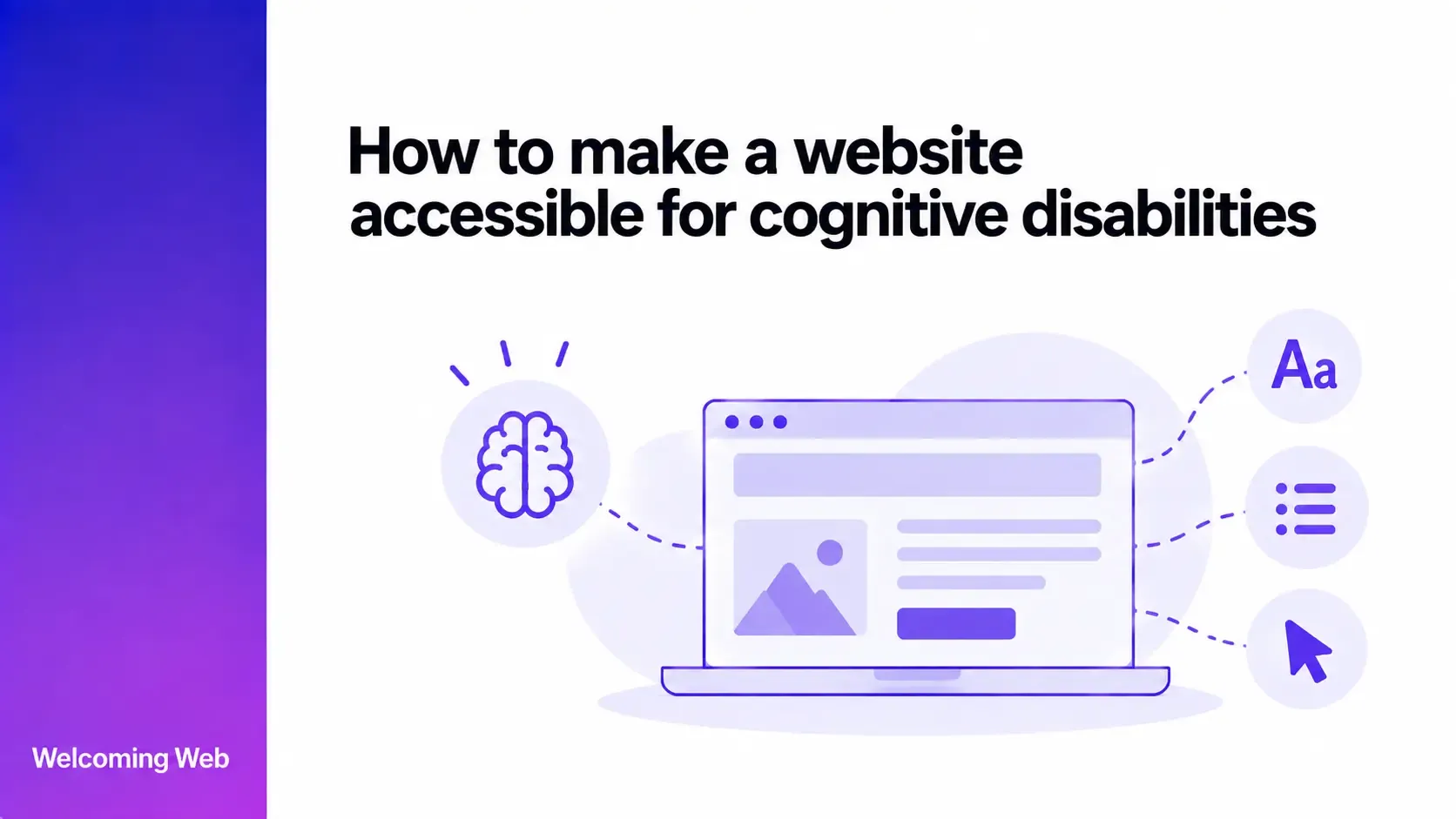
Cognitive accessibility helps people understand content, find information, complete tasks, and recover from mistakes without unnecessary cognitive demands. Websites can support this through clear language, predictable navigation, understandable forms, sufficient time, and accessible authentication. This guide explains how to make a website accessible for cognitive disabilities, which WCAG requirements apply, and how to evaluate cognitive accessibility.
What is cognitive accessibility?
Cognitive accessibility means designing digital content and interactions around different ways people process, understand, remember, and use information. Cognitive and learning disabilities can affect areas such as memory, attention, language, perception, problem-solving, and comprehension. These needs should be considered as part of wider accessibility compliance monitoring across a website.
Cognitive accessibility covers a wide range of needs, and the barriers people encounter can vary considerably. W3C guidance considers cognitive and learning needs associated with conditions including ADHD, autism, dementia, dyslexia, and intellectual disabilities.
Accessible design should therefore support different ways of navigating, understanding, and interacting with a website. This can include reducing unnecessary cognitive demands while giving users clear information and greater control over their experience.
How to make a website accessible for cognitive disabilities
Cognitive accessibility involves the content itself as well as the way a website behaves. Users need to understand what information means, where to find it, what controls do, and how to complete important tasks.
Use clear and understandable language
Write content using familiar words and direct sentences wherever the subject allows. Explain uncommon terminology and avoid requiring users to interpret unnecessarily complicated language.
Break longer information into manageable sections with descriptive headings. Instructions should clearly identify what someone needs to do, particularly when a task involves several stages.
Literal language can also reduce ambiguity. Idioms, unexplained abbreviations, double negatives, and unnecessarily complex sentence structures can make information harder to interpret.
W3C's cognitive accessibility guidance recommends clear words, short sentences, succinct text, unambiguous formatting, and summaries for longer content.
Create a clear content hierarchy
Organise each page so users can understand how its different parts relate to one another. Headings, sections, whitespace, and visual grouping can help communicate structure and relative importance.
Important information and actions should be easy to locate without requiring users to work through unrelated content first. Pages containing several topics should separate them into logical sections with clear purposes.
A consistent hierarchy can also help users reorient themselves after losing their place. W3C recommends clear page structures and visual cues to help people understand the grouping and relationships between content.
Keep navigation and controls consistent
Navigation, controls, and recurring interface elements should behave predictably across the website. Changing familiar patterns between pages can require users to repeatedly learn how the interface works.
Use consistent terminology for actions that perform the same function. Controls should also have clear labels that communicate their purpose without requiring users to remember an icon or infer its meaning.
Keep recurring features in familiar locations where possible. Consistency can reduce the amount of new information users need to learn as they move through the website.
Reduce unnecessary distractions
Moving content, unexpected interruptions, competing messages, and unnecessary visual elements can make it harder to maintain attention on a task. Give users control over content that moves or changes where applicable. Important actions should remain visually distinguishable without competing against unrelated promotions, animations, or interface elements.
Consider what information someone needs at each stage of a task. Removing unrelated content from task-focused interfaces can make it easier for users to maintain their attention and return to the task after an interruption.
Give users enough time
Some people need longer to read information, understand instructions, enter details, or decide what action to take. Time limits can prevent them from completing tasks independently. Where a website uses a timeout, users may need the ability to turn it off, adjust it, or extend it when WCAG requires this. Any warning should provide enough information for someone to understand what will happen and respond.
Time-sensitive content should also avoid disappearing before users have had a reasonable opportunity to read or interact with it.
Make forms easier to complete
Forms can place several cognitive demands on users at once. Someone may need to understand instructions, remember information, determine the required format, and identify what went wrong after an error.
Reduce these demands by making each part of the form clear:
- Use persistent labels. Keep labels visible so users do not have to remember what a field requires after they begin entering information.
- Provide clear instructions. Explain required formats or unfamiliar information before users encounter an error.
- Identify errors clearly. State which field contains the problem and explain what needs to be corrected.
- Preserve entered information. Avoid making users re-enter valid information after an error elsewhere in the form.
- Keep related fields together. Group information logically so users can understand how different inputs relate to the task.
For longer processes, communicating the current stage and what remains can help users understand their progress.
Make authentication cognitively accessible
Authentication can create barriers when users are required to memorise, recall, or transcribe information to gain access.
WCAG 2.2 includes Accessible Authentication, which addresses cognitive function tests used during authentication. Mechanisms that assist users, such as password managers and copy-and-paste functionality, can help people complete authentication without relying entirely on memory.
Alternative authentication methods can also reduce cognitive demands where they are available. The appropriate approach depends on the authentication system and the security requirements of the service.
Avoid unnecessarily blocking mechanisms that users rely on to manage credentials or complete login processes.
Help users recover from mistakes
Errors should provide enough information for users to understand what happened and what they can do next. A generic message such as “something went wrong” may leave someone unable to determine how to continue.
Where an error can be corrected, identify the affected information and provide an understandable correction path. Consequential actions may also benefit from confirmation or an opportunity to review information before submission.
Preserving the user's progress is particularly valuable. Losing completed work after one mistake can force someone to repeat a cognitively demanding task from the beginning.
Support different ways of understanding content
Text is not always the easiest way for every user to understand information. Appropriate images, diagrams, examples, audio, or video can support comprehension when they clarify the meaning of the content.
Long or complex resources may benefit from summaries that communicate their main purpose and key information. Instructions can also be separated into individual actions where several steps are required.
Alternative representations should communicate the same essential information accurately. Decorative visuals or unexplained symbols can add cognitive demands when their purpose is unclear.
Which WCAG requirements support cognitive accessibility?
WCAG includes requirements that address several aspects of cognitive accessibility. Relevant guidelines cover areas such as providing enough time, helping users navigate, making content readable, keeping interactions predictable, and helping users avoid and correct mistakes.
WCAG 2.2 also introduced success criteria that address several barriers relevant to cognitive accessibility:
- Consistent Help (3.2.6) requires certain help options that appear across multiple pages to remain in a consistent relative order. This can make help easier to find without requiring users to search for it again on each page.
- Redundant Entry (3.3.7) reduces the need for users to enter information they have already provided during the same process. Previously entered information should generally be auto-populated or available for selection, with specified exceptions.
- Accessible Authentication (3.3.8) addresses login processes that depend on cognitive tasks such as remembering a password or transcribing a verification code. Where such a task is required, an alternative or an assisting mechanism, such as support for password managers or copy and paste, must be available.
Meeting WCAG does not address every cognitive accessibility need. W3C explicitly states that some user needs are not covered by existing standards and publishes supplemental cognitive accessibility guidance for additional support.
That supplemental guidance goes further into areas such as understandable content, familiar interfaces, finding information, maintaining focus, and supporting users through tasks. Following it is not required for WCAG conformance, but it can help websites accommodate cognitive needs that WCAG does not fully address.
Teams working towards WCAG compliance can therefore use the success criteria as their conformance framework while considering additional cognitive accessibility guidance during design and content decisions.
How should you test cognitive accessibility?
Cognitive accessibility testing needs to assess whether people can understand and complete tasks, including barriers that automated testing may not identify.
A useful evaluation process can include:
- Run automated accessibility checks. Automated tools can identify supported technical issues related to relevant WCAG requirements.
- Review content manually. Check instructions, labels, error messages, terminology, page structure, and other information that depends on meaning and context.
- Complete important tasks. Follow real user journeys to identify points where instructions, decisions, interruptions, or memory demands make progress difficult.
- Change relevant settings. Check whether the website remains usable when people adjust presentation or use supporting technologies.
- Include people with cognitive and learning disabilities. User evaluation can reveal comprehension and interaction barriers that technical checks cannot determine.
Testing should account for a range of cognitive needs because barriers can differ considerably between users. W3C's guidance recommends including people with cognitive and learning disabilities in design and testing activities
How does Welcoming Web support cognitive accessibility?
Welcoming Web scans web pages for supported accessibility issues and provides information to help teams understand and address identified barriers. Scan results show affected elements and map supported findings to relevant accessibility requirements.
The accessibility widget also includes profiles and controls that allow visitors to adjust aspects of their browsing experience. Welcoming Web currently includes a Cognitive & Learning profile alongside other accessibility profiles.
These tools can support a wider cognitive accessibility programme, but automated scanning cannot assess every cognitive barrier. Factors such as whether instructions are understandable, a task creates unnecessary cognitive demands, or navigation makes sense can require human evaluation.
Welcoming Web identifies supported accessibility issues and provides remediation assistance. Using the platform does not itself make a website accessible or certify WCAG conformance.
Make cognitive accessibility part of website design
Cognitive accessibility affects how easily people can understand information and complete the tasks a website exists to support. Considering these needs during content, design, and development can prevent barriers from becoming embedded in important user journeys.
The range of cognitive and learning disabilities also means accessibility cannot be reduced to a single design pattern. Combining recognised standards, supplemental guidance, automated checks, manual evaluation, and feedback from users provides a stronger basis for improving the experience over time.
Run a free accessibility scan with Welcoming Web to identify supported accessibility issues across your website and find barriers that may need attention.

Written by
Alisan Erdemli
CEO at Welcoming Web, and web accessibility technology expert
Connect on LinkedInReady to Make Your Website Accessible?
Join thousands of satisfied users who trust WelcomingWeb to deliver fully accessible, compliant, and inclusive digital experiences.