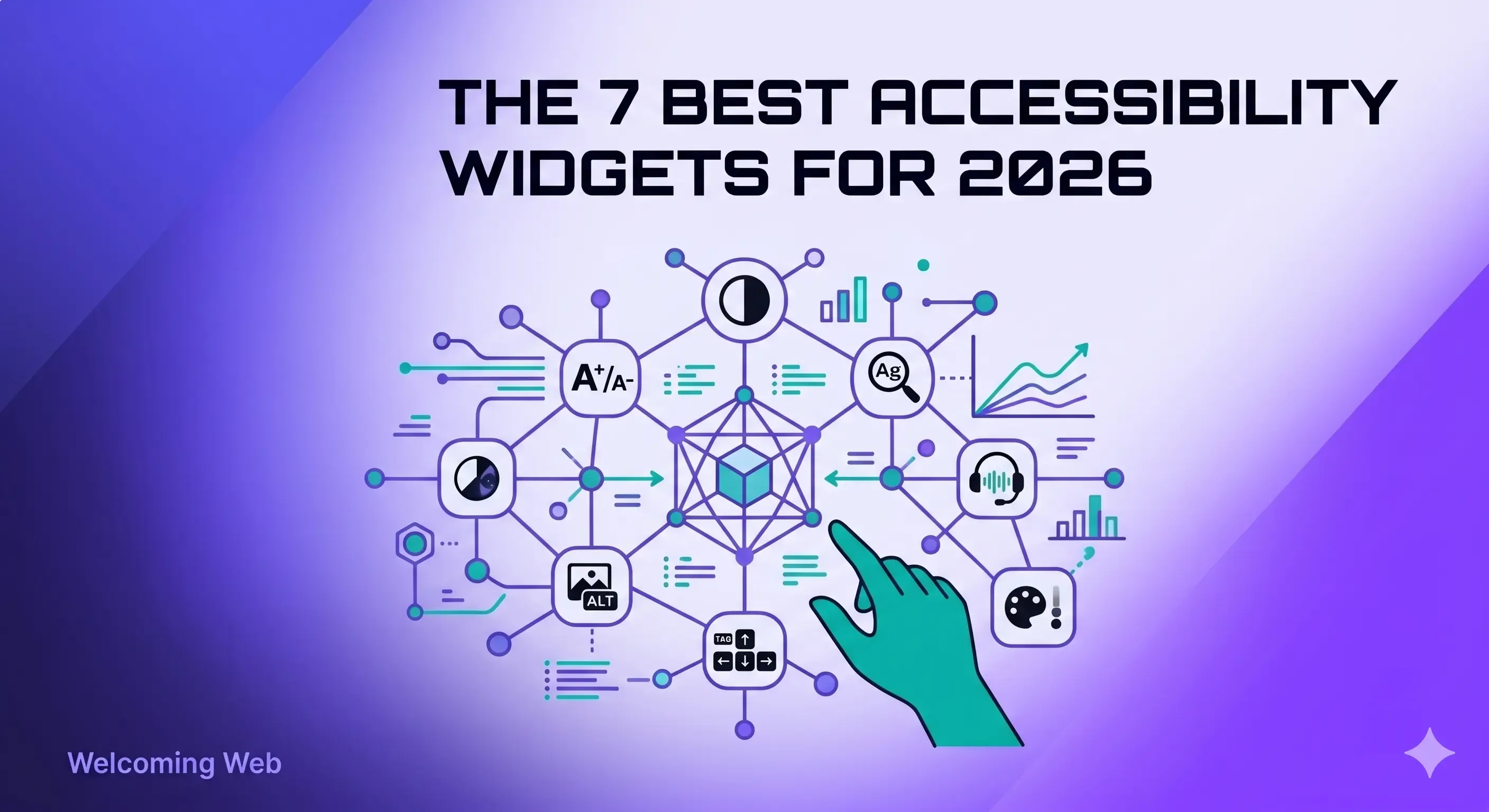
The seven best accessibility widgets in 2026 are Welcoming Web, accessiBe, UserWay, AudioEye, EqualWeb, Recite Me, and AccessiWay. Each one lets visitors adjust how a website looks and behaves for them. They differ in scanning depth, standards coverage, pricing model, and whether the widget sits inside a broader platform. This guide covers what each does well, where each falls short, and which one fits different situations.
How we compared these accessibility widgets
Four things separate one accessibility widget from another: whether it sits inside a broader platform, which accessibility standards it covers, what visitors can actually adjust, and how the pricing scales with your site. Knowing what issues your site has is the first step, and a free accessibility scan shows which issues a widget can solve and which need code-level fixes.
- Widget only versus platform: A standalone widget lets visitors adjust presentation. A platform adds scanning, monitoring, and often AI-assisted remediation around the widget. If your team needs documented evidence of accessibility work for compliance purposes, a widget alone does not produce that record.
- Standards coverage: Most widgets target WCAG 2.2 as the baseline. Some map to ADA Title III, Section 508, EN 301 549, and UK Equality Act 2010. The European Accessibility Act became enforceable on 28 June 2025, which makes EN 301 549 coverage more important for any site serving EU visitors.
- Visitor controls: Widgets vary from basic font sizing to full panels covering contrast, spacing, cursor style, keyboard navigation, screen reader support, and preset profiles for common accessibility needs. More options help more visitors. An overloaded interface can become harder to use if settings are not organised well.
- Pricing model: Fixed-tier pricing sets a flat rate by site size or feature bundle. Traffic-proportional pricing scales with actual visitor volume. Quote-based pricing is common at managed-service vendors and varies with site complexity. The renewal price matters more than the first-year price.
| Widget | Best for |
|---|---|
Welcoming Web | Widget plus scanning, monitoring, and AI-assisted remediation |
| accessiBe | Widest language and region coverage |
| UserWay | Free tier for small sites |
| AudioEye | Managed remediation service |
| EqualWeb | Overlay with optional manual expert review |
| Recite Me | Public sector and higher education |
| AccessiWay | EAA compliance and EU regional focus |
1. Welcoming Web – best for widget plus scanning and monitoring
Welcoming Web is a web accessibility platform combining an accessibility widget, WCAG scanning, and compliance monitoring in one platform. The widget gives visitors controls for text size, contrast, spacing, cursor, keyboard navigation, and screen reader support. The scanner runs against WCAG 2.2, ADA Title III, EN 301 549, and UK Equality Act 2010 and produces a dashboard of issues that teams can track over time.
The platform's strength is breadth. Teams get the visitor-facing widget plus the record of scanning and remediation work that regulators and clients increasingly ask for. It is built for digital teams and website owners, and does not require a developer pipeline.
A limitation is that Welcoming Web is newer in the category than some other platforms, so third-party reviews are fewer. Additionally, enterprise customers with existing consulting relationships may need more integration work.
Pricing for Welcoming Web is traffic-proportional as opposed to fixed-tier, which scales more fairly for growing sites because the cost tracks actual visitor volume rather than a flat site-size bracket. It includes a free tier and paid tiers start at $19 per month.
Best for: digital and product teams that need the widget and the compliance evidence from one tool.
2. accessiBe – best for widest language and region coverage
accessiBe is one of the most widely adopted accessibility widgets, with a large installed base across small and mid-sized sites. Its widget covers the usual visitor adjustments and supports a large number of languages, which makes it a common choice for multilingual and international sites.
The platform's strength is scale. The widget has been deployed across a wide range of sites and has good language coverage for global audiences.
The limitation is that accessiBe is primarily an overlay product, and the W3C's Web Accessibility Initiative has raised concerns about overlays as a standalone accessibility solution. accessiBe has also been named in several US accessibility lawsuits, which is documented in accessibility industry press and worth reading before deciding.
Pricing is fixed-tier based on monthly website visits. Plans start around $490 per year or $59 per month for small sites.
Best for: multilingual sites that need widespread language coverage and accept the overlay-based approach.
3. UserWay – best free tier for small sites
UserWay offers a polished widget interface, with a free tier that lowers the barrier to getting started. The paid plans add profiles, analytics, and scanning, and the widget is user-friendly for visitors.
The strength is adoption friction. The free tier and clean interface make UserWay an easy widget to activate quickly, which suits small teams and solo site owners.
The limitation is that scanning depth and remediation sit on higher-tier plans, and UserWay follows the overlay pattern that has drawn community criticism. Larger organisations often outgrow the free tier once they need monitoring, reporting, or enforceable records of accessibility work.
Pricing starts free for the basic widget. Paid tiers start at $49 per month and or $490 per year, and scale with features and site size.
Best for: small sites and solo site owners that want a working widget live in under an hour.
4. AudioEye – best for managed remediation service
AudioEye pairs an automated widget with a human-assisted remediation service, which sets it apart from pure overlay vendors. Specialist reviewers check the site and apply fixes alongside the automated layer, which addresses one of the main overlay criticisms directly.
The strength is the managed component. Teams that do not want to manage accessibility internally get a service layer that handles the human review, rather than only the widget and scanner.
The limitation is pricing predictability. AudioEye pricing is typically quote-based and cost scales with site complexity. The value is also tied to the quality of the reviewers assigned to the account.
Pricing is quote-based for most plans. AudioEye does have a tool to calculate your potential cost, however, you will still need to book a demo for the final quote.
Best for: teams that want a managed service layer and can accept quote-based pricing.
5. EqualWeb – best for overlay with optional manual expert review
EqualWeb offers an overlay widget with an optional manual review layer, where human experts check the site alongside the automated widget. This pairs overlay convenience with human oversight, which partly addresses the pure-overlay criticism.
The strength is the manual review option. For teams that want overlay convenience but also human expert involvement, EqualWeb sits between pure overlays and fully managed services.
The limitation is that EqualWeb has historically used marketing language claiming guaranteed compliance from a single line of code. The professional accessibility community has criticised this type of overclaiming consistently, and it is worth reading independent reviews before deciding.
Pricing is tiered with add-ons for the manual review layer. Basic plans start at $39 per month or $390 per year.
Best for: teams that want an overlay widget with optional human expert review on top.
6. Recite Me – best for public sector and higher education
Recite Me is a UK-based web accessibility platform combining a visitor-facing toolbar, a WCAG scanner, AI-assisted remediation, and PDF accessibility checking. The toolbar includes text-to-speech, translation into more than 100 languages, and a range of visual customisation controls. The scanner runs against WCAG 2.2, produces a compliance dashboard, and supports progress tracking and report exports.
The strength is its combination of translation and assistive reading alongside a full scanner. Recite Me has an installed base in the UK public sector and higher education, where multilingual audiences and procurement requirements both favour its positioning.
The limitation is that Recite Me sits across several product categories at once: toolbar, scanner, PDF remediation, consultancy. This may make it harder to evaluate on any single dimension.
Pricing is quote-based and targets institutional and public sector buyers.
Best for: universities, government sites, and organisations that need translation alongside accessibility scanning and controls.
7. AccessiWay – best for EU-based sites focused on EAA compliance
AccessiWay is an EU-based accessibility widget vendor with particular focus on European Accessibility Act positioning. The widget covers the standard visitor controls and the vendor publishes guidance on EAA and EN 301 549 specifically.
The strength is EU regional focus. With the EAA enforceable since 28 June 2025, vendors based in the EU and explicitly positioned around European compliance have a clear fit for EU-first businesses.
The limitation is reach outside the EU. AccessiWay is less established in US and UK markets, which means fewer integrations, fewer comparative reviews, and less third-party coverage in English-language accessibility press.
Pricing is tiered and built for the European market, starting at 490€ per year.
Best for: EU-based businesses that want a regionally aligned vendor with explicit EAA focus.
When is a widget alone not enough?
An accessibility widget alone is not enough when you need evidence of the accessibility work your team is doing, or when the issues on your site are structural.
Widgets help with site presentation. They let visitors increase text size, adjust contrast, change cursors, or turn on keyboard navigation. These adjustments help the individual visitor. They do not change what exists in the site's HTML.
Some accessibility issues only get resolved at the source code level. Missing image descriptions need to be added to the CMS. Form fields without labels need proper label elements written into the markup. Heading structures that skip levels need rewriting. A widget cannot solve any of these.
A widget also does not produce documentation. If a regulator, a client, or a governance committee asks what accessibility work has been done, a widget on its own gives you nothing to point to. There is no dated record of issues found, no history of fixes applied, and no proof that the site is being actively monitored.
This is why many teams end up running a widget alongside an accessibility scanner and a monitoring tool. When those components sit inside one platform, the widget serves visitors while the scanner and monitor produce the record of work.
What accessibility widget works best for different types of websites?
Each accessibility widget suits different types of websites. The choice depends on what a site needs and who it serves.
- For a small business site with a limited budget: Start with a widget that has a free tier or entry-level plan, and run a free scan to see what issues exist at the code level before committing. UserWay's free tier and Welcoming Web's entry-level traffic-proportional pricing both fit here.
- For a site that needs documented compliance evidence: A widget alone will not produce the record. Choose a platform that combines the widget with scanning and monitoring. Welcoming Web is built around this pattern. AudioEye provides something similar through its managed service at a higher price point.
- For a multilingual or international site: Translation and language coverage matter. accessiBe has the widest language support among overlay vendors. Recite Me's toolbar includes translation into more than 100 languages, which works well for institutional sites.
- For a site that has already received an ADA demand letter: Speed and documentation matter. You need a scan, a record of issues, and a plan to remediate them. A widget alone does not address demand letter claims. A platform that scans, tracks, and documents remediation gives you something concrete to respond with.
- For a public sector or higher education site: Procurement requirements often favour vendors with sector experience. Recite Me is established in UK public sector and higher education, and offers scanning and compliance documentation alongside its visitor-facing toolbar.
- For an EU-first business: The EAA makes EU regulatory focus a real differentiator. AccessiWay is explicitly positioned around EAA and EN 301 549. Welcoming Web also covers EN 301 549 for teams that want platform breadth alongside EU standards.
Which accessibility widget is right for your site?
The best accessibility widget for any site depends on what problem the team is trying to solve. A widget on its own helps visitors adjust presentation. A platform with scanning and monitoring produces the record of accessibility work that regulators and clients increasingly ask for.
If you want to see what accessibility issues exist on your site before choosing a widget, a free accessibility scan shows the state of your site against WCAG 2.2, ADA Title III, and EN 301 549 in about 60 seconds.

Written by
Alisan Erdemli
CEO at Welcoming Web, and web accessibility technology expert
Connect on LinkedInReady to Make Your Website Accessible?
Join thousands of satisfied users who trust WelcomingWeb to deliver fully accessible, compliant, and inclusive digital experiences.