An accessibility profile is a preset combination of adjustments designed to support particular browsing needs. Instead of changing several accessibility settings individually, users can activate a profile that applies multiple supported adjustments together. This guide explains how accessibility profiles work, how they help users personalise websites, and how they fit into a wider approach to website accessibility.
What is an accessibility profile?
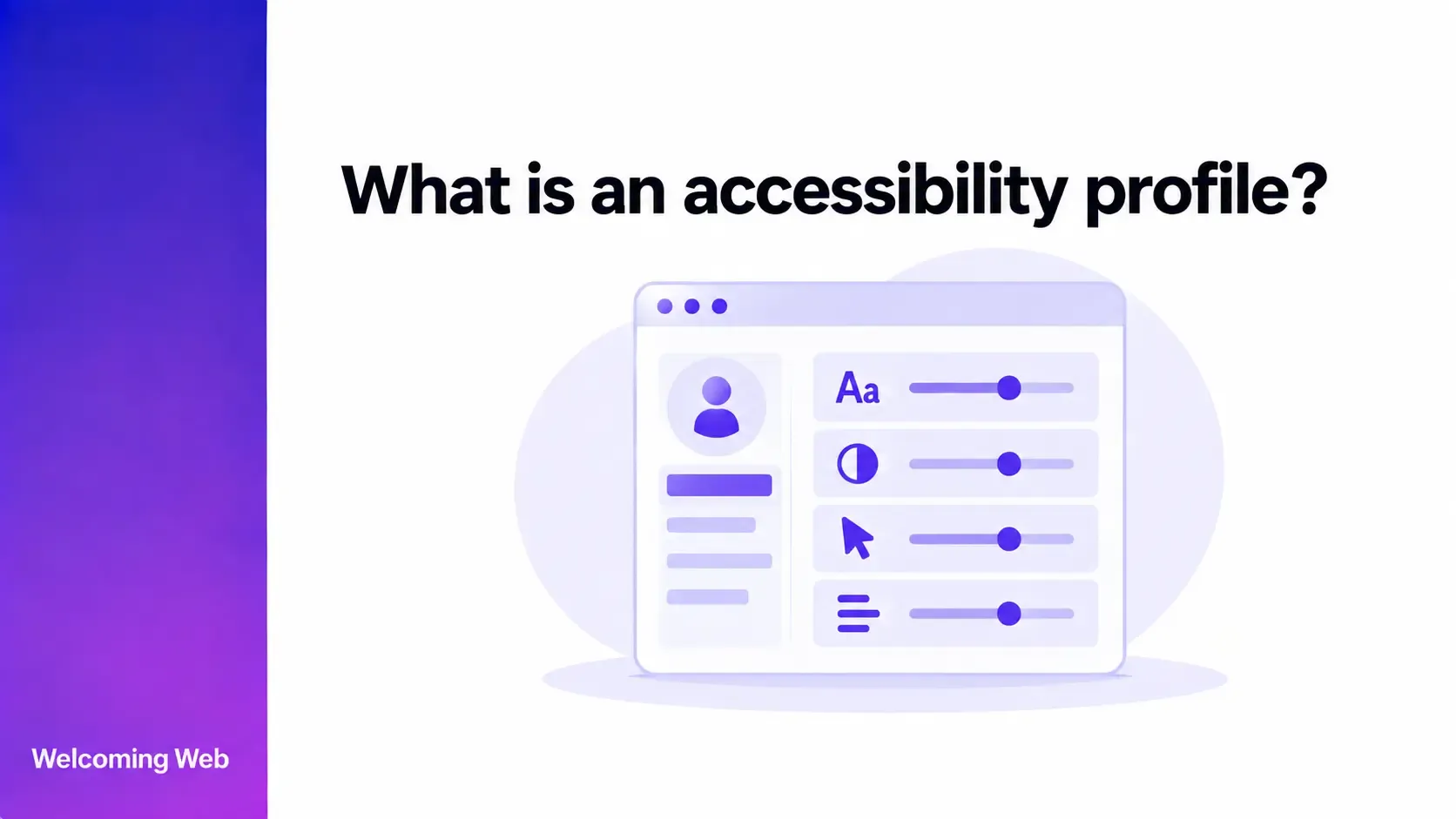
An accessibility profile groups several website adjustments into a predefined configuration that a visitor can activate at once. Profiles are commonly provided through an accessibility widget or another personalisation interface.
The adjustments included in a profile depend on the tool providing it. They may affect areas such as text presentation, colour and contrast, motion, focus, or navigation. Accessibility profiles are different from accessibility standards. They provide visitors with personalisation options and are not a set of requirements defined by WCAG.
How do accessibility profiles work?
Selecting a profile activates its associated adjustments together. The changes are applied to that visitor's browsing experience without affecting how other people experience the website. The exact combination depends on how the profile has been configured. A single selection could therefore change several supported aspects of the interface at the same time.
Some tools also provide individual controls alongside their profiles. Visitors can use these controls to make further adjustments according to their own preferences.
What types of accessibility profiles are available?
The profiles available to users depend on the accessibility tool a website implements. Providers can use different names and group their available adjustments according to different sets of browsing needs.
Profiles may be designed around areas such as visual presentation, motor interaction, reading, attention, or sensitivity to movement. Some tools also use profile names associated with particular disabilities or conditions. These names should not be treated as definitions of what everyone within a particular group needs. Accessibility preferences vary between individuals, including people who share the same disability or condition.
The settings activated by similarly named accessibility widget profiles can also differ between providers. Users should therefore retain control over individual adjustments where the tool supports them.
How do accessibility profiles help users?
Configuring several accessibility settings individually using a widget or overlay can take time. Profiles make groups of supported adjustments available through a single selection. They can help users by:
- Reducing initial configuration. Multiple adjustments can be activated without requiring the visitor to find and change each control separately.
- Making options easier to discover. Grouping related adjustments can introduce visitors to personalisation features available within the website.
- Supporting personal preferences. Visitors can choose an available configuration that better suits how they prefer to read or interact with content.
- Providing quicker access to multiple adjustments. A profile can apply several supported changes when a visitor wants to alter different aspects of the interface together.
W3C's work on adaptation and personalisation recognises that people have different accessibility needs and preferences. Its guidance explores ways content and interfaces can adapt to help users understand and interact with them.
What's the difference between an accessibility profile and an accessibility setting?
An accessibility profile is a predefined group of adjustments. An accessibility setting controls one particular aspect of the browsing experience. For example, changing text size is an individual setting. A profile can activate text-related settings alongside other supported adjustments through one selection. Providing both options gives visitors different levels of control. Profiles group settings together, while individual controls allow specific features to be adjusted separately.
Are accessibility profiles required by WCAG?
WCAG does not require websites to provide named accessibility profiles. Its success criteria define requirements for web content across areas such as perceivability, keyboard accessibility, understandable interactions, and compatibility with assistive technologies.
W3C also publishes work on adaptation and personalisation that explores how content and interfaces can better accommodate different user needs and preferences. This work is separate from the requirements used to determine WCAG conformance.
A website can therefore conform to WCAG without providing accessibility profiles. Teams working towards WCAG compliance should assess their content against the applicable success criteria regardless of whether personalisation features are available.
Do accessibility profiles make a website accessible?
Accessibility profiles can adjust supported aspects of an individual visitor's experience. They cannot address every barrier within the underlying content, structure, design, or functionality of a website.
For example, changing presentation settings cannot determine whether an image has an appropriate text alternative, a form communicates errors clearly, or page structure is correctly implemented for assistive technologies.
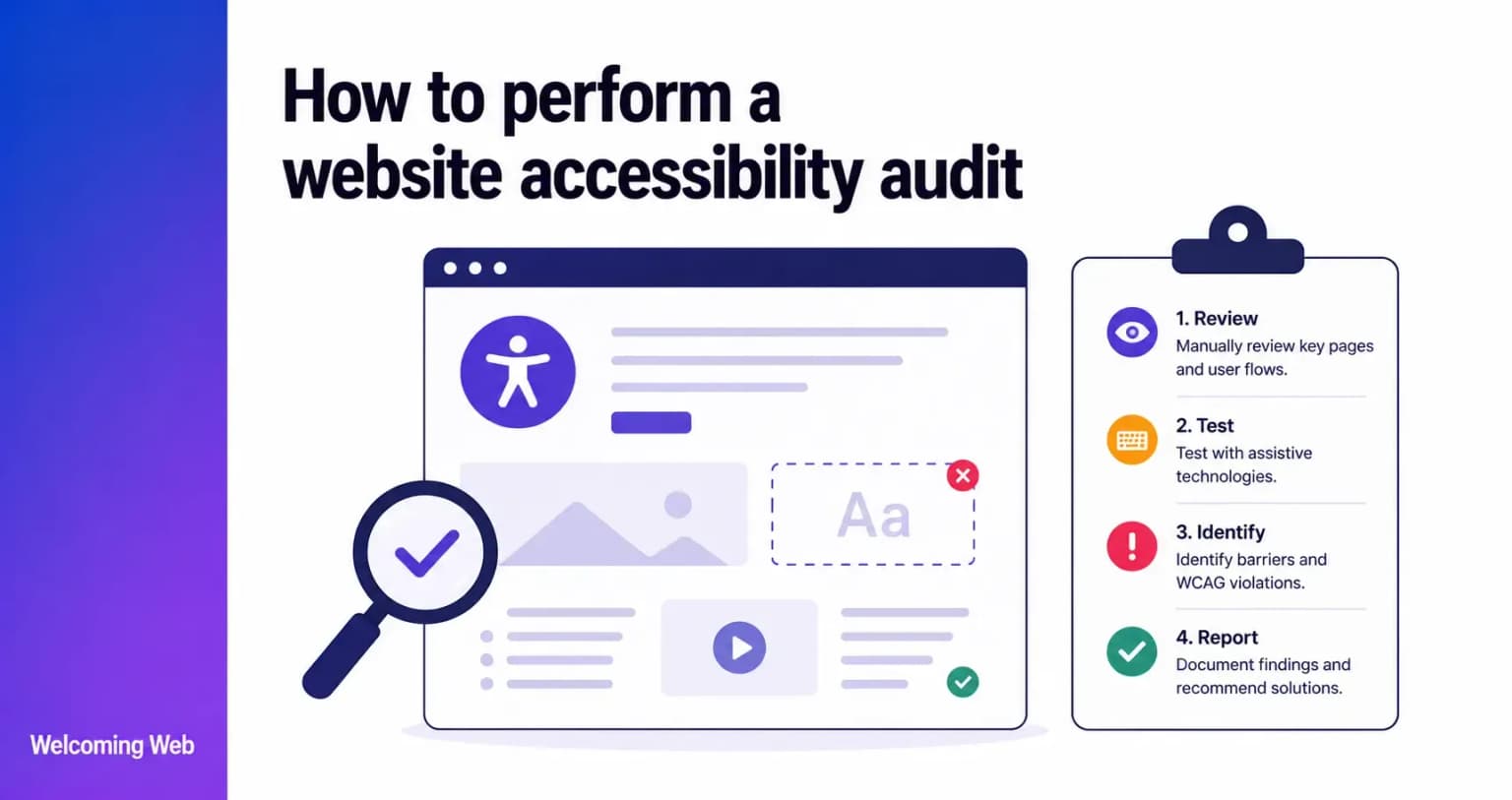
Website accessibility requires these underlying barriers to be identified and addressed. Automated checks can detect supported technical issues, while manual evaluation and assistive technology testing can identify barriers that require human judgement.
Providing an accessibility profile does not certify WCAG conformance or guarantee that a website is accessible to every user.
How does Welcoming Web use accessibility profiles?
Welcoming Web provides accessibility profiles through its visitor-facing widget. Its current profiles include Blind, Visually Impaired, Color Blind, Motor Impaired, Elderly, Dyslexia, Seizure, ADHD, Cognitive & Learning, and Kids.
Visitors can activate a profile or use individual widget controls to adjust supported aspects of their browsing experience. Profile behaviour is configured within the platform and can activate multiple underlying features and modes at once.
The widget forms one part of the wider Welcoming Web platform. Welcoming Web also provides website accessibility scanning, monitoring, and AI-assisted remediation suggestions for supported issues.
These capabilities serve different purposes. Profiles and widget controls give visitors personalisation options, while scanning and remediation tools help teams identify and address supported accessibility issues within their websites.
Welcoming Web does not identify every accessibility barrier or certify WCAG conformance. Manual evaluation remains necessary for accessibility requirements that cannot be reliably assessed through automated checks.
Give visitors more control over website personalisation
No single interface configuration will suit every visitor. Giving people ways to adjust their experience allows them to choose options that work better for their individual preferences.
Accessibility profiles can make several adjustments available through one action, while individual controls provide more specific choices. These personalisation features can complement accessibility work within the underlying website without determining how every user should experience it.
Explore the Welcoming Web accessibility widget to see the profiles and individual controls available to visitors.

Written by
Alisan Erdemli
CEO at Welcoming Web, and web accessibility technology expert
Connect on LinkedInReady to Make Your Website Accessible?
Join thousands of satisfied users who trust WelcomingWeb to deliver fully accessible, compliant, and inclusive digital experiences.