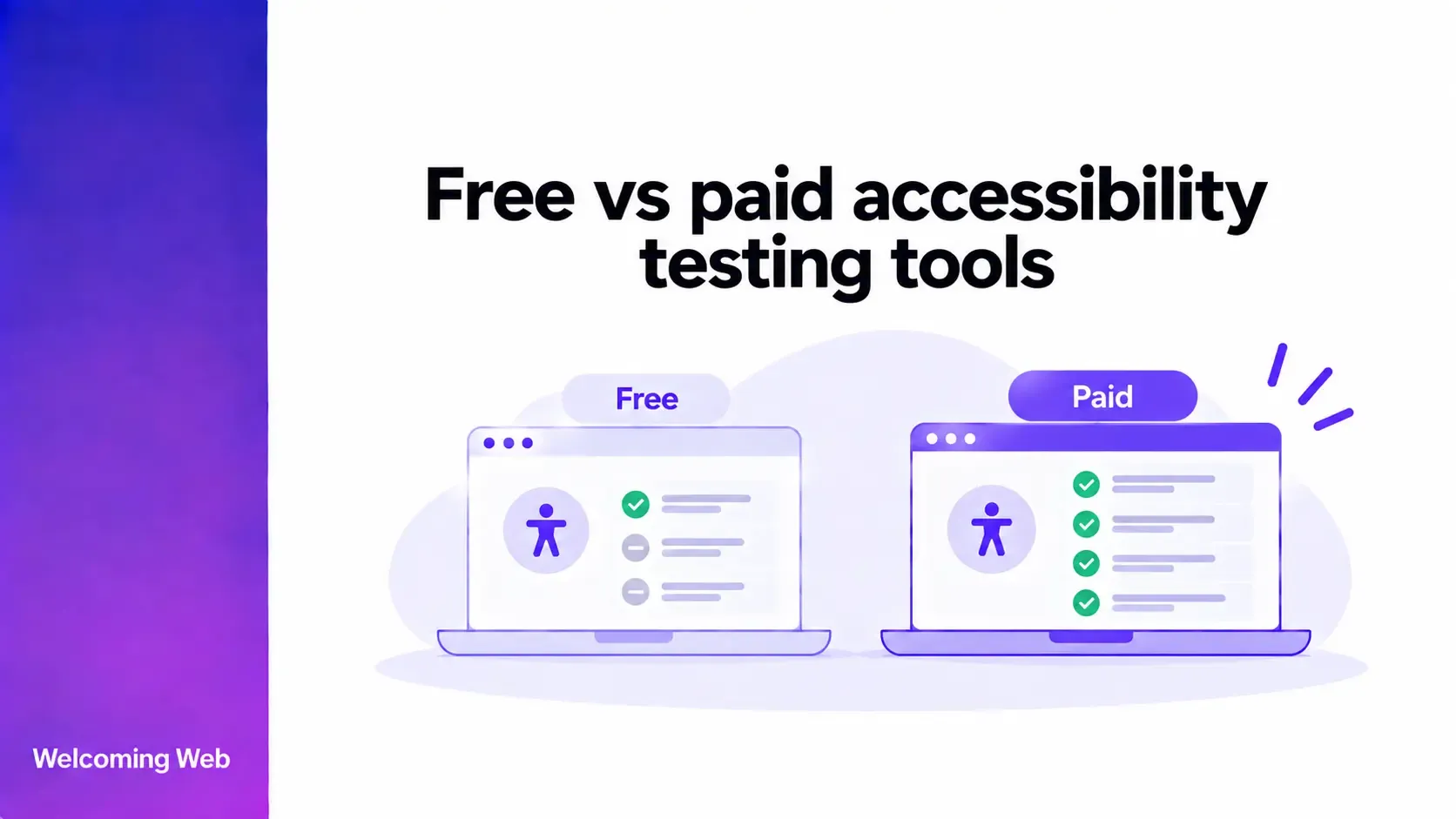
Free and paid accessibility testing tools can both identify supported website accessibility issues. The differences usually involve testing scale, frequency, reporting, remediation support, and workflow features. This guide compares free and paid accessibility testing tools, explains where each option fits, and covers what teams should consider when choosing tools for ongoing website accessibility work.
What do accessibility testing tools do?
Accessibility testing tools evaluate websites for supported issues that may create barriers for people with disabilities. Automated checks can identify problems such as certain colour contrast failures, missing alternative text, form labelling issues, and other detectable WCAG failures.
The scope of testing varies between tools. Some analyse individual pages when requested. Others can scan larger websites, repeat tests automatically, track findings over time, and support teams as they work through remediation.
Automated testing cannot identify every accessibility barrier. Some requirements depend on context, meaning, interaction, or human experience and need manual evaluation.
How do free and paid accessibility testing tools compare?
The exact capabilities of paid and free tools depend on the provider. Paid accessibility testing tools do not automatically include every advanced feature, but they commonly provide additional capabilities for managing accessibility across larger websites or over time.
| Area | Free accessibility testing tools | Paid accessibility testing tools |
|---|---|---|
| Initial accessibility checks | Commonly available. | Commonly available. |
| Number of pages | Often designed for individual pages or limited scans. | May support larger websites and higher scan volumes. |
| Recurring monitoring | Often limited or unavailable. | Commonly available on monitoring-focused platforms. |
| Reporting | Basic results may be available. | May include more detailed, exportable, or historical reporting. |
| Remediation support | Varies by tool. | May include remediation guidance, workflows, or AI-assisted suggestions. |
| Issue tracking | Often limited. | May track findings and changes over time. |
| Team workflows | Usually limited. | May include features designed for multiple users or teams. |
| Integrations | Varies. | More likely to include integrations or development workflows. |
| Visitor-facing features | Usually separate from testing. | Some platforms also provide accessibility widgets or other visitor controls. |
The right option depends on the work you need to complete. An occasional page check creates different requirements from managing accessibility across a large, frequently updated website.
When are free accessibility tools useful?
Free accessibility tools can be useful when someone wants an initial view of detectable issues without committing to a paid platform. A free checker can help website owners explore accessibility for the first time or investigate a particular page. Developers and content teams may also use free tools for quick checks while creating or updating website content.
Free accessibility tools can be particularly useful for:
- Checking a specific page for supported accessibility issues.
- Getting an initial indication of where accessibility problems may exist.
- Learning how automated accessibility findings are reported.
- Running occasional checks during content or development work.
- Supplementing other accessibility testing methods.
A free tool can still identify significant barriers. The more important question is whether its testing scope and available features match the work you need to complete.
What do paid accessibility tools add?
Paid accessibility testing tools become more relevant when accessibility work needs to cover more pages, run more frequently, or involve several people. The additional capabilities often surround the testing process itself. Website accessibility tools may help teams automate scans, organise findings, document progress, and connect identified issues with remediation work.
Larger-scale website testing
Checking a handful of pages is different from evaluating a website containing hundreds or thousands of URLs. Paid website accessibility tools may support larger crawls, scheduled scans, or higher testing limits. This allows teams to evaluate a broader portion of a website without initiating every test individually.
Teams should still understand what is included in that coverage. Important questions include which pages are tested, how frequently scans run, and whether dynamic or authenticated experiences require additional evaluation.
Ongoing accessibility monitoring
A single accessibility test provides information about supported findings at the time it runs. Websites continue to change as teams publish content, update templates, and release new functionality.
Some paid accessibility tools provide recurring scans that can identify new or returning issues. This can help teams detect accessibility regressions after website changes and maintain visibility across frequently updated pages.
Ongoing monitoring becomes particularly relevant when several people or teams can introduce changes to the same website.
Reporting and issue tracking
Accessibility findings become harder to manage as the number of tested pages increases. Paid website accessibility tools may provide dashboards, historical results, issue tracking, and downloadable reports. These features can help teams organise remediation work, review changes between scans, and communicate progress internally.
Reporting varies between platforms. Teams should check what information a tool records, how long results are retained, and whether reports contain the information their stakeholders need.
Remediation support
Testing identifies accessibility issues, but those findings still need to be investigated and resolved. Some paid platforms connect testing with accessibility remediation, providing guidance or AI-assisted remediation suggestions for supported findings. This can help teams move from identifying a barrier to evaluating a possible correction within the same workflow.
Complex barriers can still require input from developers, designers, content specialists, or accessibility professionals.
Team and development workflows
Accessibility work may involve developers, designers, content teams, compliance teams, and other stakeholders. Some paid platforms provide features for organising findings across teams or connecting accessibility testing with development processes. Depending on the tool, these can include integrations, issue management, user permissions, and shared reporting.
These capabilities are most relevant when accessibility testing forms part of a wider organisational process.
Are paid accessibility testing tools more accurate?
Price does not necessarily determine the accuracy of an accessibility test. Free and paid accessibility testing tools may identify many of the same types of automatically detectable WCAG failures.
Differences can appear in rule coverage, scan depth, website coverage, contextual information, and how findings are presented. Two tools can also return different results because they test different conditions or classify findings differently.
The number of reported issues is therefore not enough to judge the quality of a tool. Teams need to understand what is being tested, what evidence accompanies each finding, and which accessibility requirements still need manual evaluation.
When should you move from free to paid accessibility testing tools?
There is no universal point at which a website needs to move from free to paid accessibility testing tools. The decision depends on the amount of accessibility work being managed and the capabilities the team needs.
Free tools may remain suitable for occasional checks on individual pages. Paid tools become worth considering when running individual checks makes it difficult to maintain visibility across the website. Common signs include:
- You need to test a larger number of pages regularly.
- Several people publish or maintain website content.
- You need to identify accessibility regressions after changes.
- Findings need to be tracked through remediation.
- Stakeholders need reports or evidence of accessibility work.
- Running and managing individual scans is taking significant time.
- Your team needs integrations or shared workflows.
Website size is only one factor. A smaller website that changes frequently may have different testing requirements from a much larger site with relatively stable content.
What should you compare when choosing accessibility testing tools?
Choosing between accessibility testing tools means looking at how well each option fits the way your team tests and manages accessibility. Compare the coverage, testing process, results, and supporting features that will affect how the tool works in practice:
- Testing coverage: What issues and WCAG criteria can the tool evaluate?
- Website coverage: Can it test individual pages, multiple pages, or an entire website?
- Testing frequency: Are scans manual, scheduled, or continuous?
- Results: Does each finding include enough information to understand the problem?
- Reporting: Can you track results over time or export information for stakeholders?
- Remediation: Does the tool help teams understand or resolve supported findings?
- Workflow: Can findings fit into existing development or content processes?
- Manual testing: Does the provider clearly explain what automation cannot evaluate?
The strongest option will depend on which of these capabilities your team needs and how accessibility work fits into your existing website processes.
How does Welcoming Web support accessibility testing?
Welcoming Web provides a free accessibility scan that checks a web page for supported accessibility issues. Teams can use it for an initial accessibility check before deciding whether they need ongoing testing and monitoring.
Welcoming Web's paid capabilities support accessibility work across larger websites with ongoing monitoring, reporting, and AI-assisted remediation suggestions for supported issues. The platform also offers a visitor-facing accessibility widget that gives individual users access to personalisation controls. This allows teams to start with a free accessibility check and introduce additional capabilities as their testing and management requirements develop.
Welcoming Web identifies supported accessibility issues and provides remediation assistance. Manual evaluation is still needed for barriers that automated checks cannot detect. The platform supports accessibility work but does not certify WCAG conformance or make a website accessible on its own.
Choose accessibility testing tools for your requirements
Free accessibility testing tools can provide useful information for individual pages, occasional checks, and initial accessibility reviews. Paid tools can add broader testing coverage, monitoring, reporting, remediation support, and workflows for larger or frequently changing websites.
The choice depends on what happens after the first test. If your team needs to repeat testing, track findings, manage remediation, or demonstrate progress over time, those requirements should shape which accessibility tools you consider.
Run a free accessibility scan with Welcoming Web to identify supported accessibility issues on your website.

Written by
Alisan Erdemli
CEO at Welcoming Web, and web accessibility technology expert
Connect on LinkedInReady to Make Your Website Accessible?
Join thousands of satisfied users who trust WelcomingWeb to deliver fully accessible, compliant, and inclusive digital experiences.