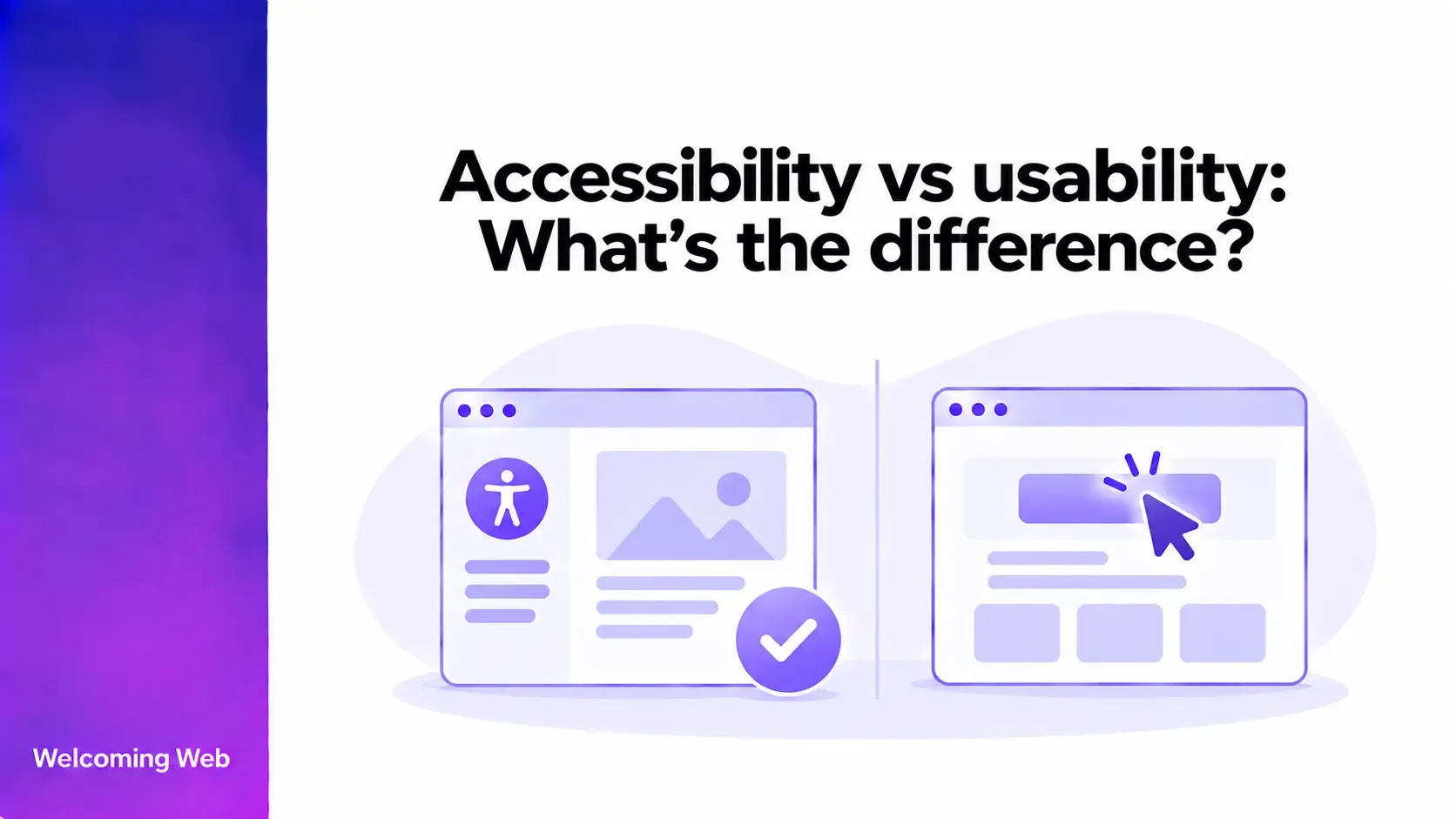
Accessibility and usability both influence whether people can successfully use a website, but they evaluate different aspects of the experience. Accessibility focuses on removing barriers for people with disabilities, while usability considers how effectively, efficiently, and satisfactorily people can complete tasks. This guide explains the relationship between accessibility and usability, how testing differs, and why websites need to consider both.
What is the difference between accessibility and usability?
When looking at accessibility vs usability, the main difference is what each evaluates. Accessibility focuses on removing barriers for people with disabilities, while usability considers how easily people can navigate a website and accomplish what they came to do. This guide explains how accessibility and usability differ, where they overlap, how testing differs, and why websites need to consider both.
The two areas overlap considerably. Clear instructions, predictable navigation, readable content, and understandable forms can improve both accessibility and usability. However, an accessibility requirement may address a disability-specific barrier that general usability testing would not identify.
For example, correctly coded form labels allow a screen reader to identify what information each field requires. That is an accessibility requirement. A form could have correctly coded labels and still involve an unnecessarily confusing or lengthy process, creating a usability problem.
What is website accessibility?
Website accessibility means designing and developing websites so people with disabilities can access their content and functionality. This includes people with visual, auditory, physical, speech, cognitive, learning, and neurological disabilities.
Accessibility can affect the underlying code, content, visual design, and interactions. Examples include providing text alternatives for meaningful images, supporting keyboard navigation, maintaining sufficient colour contrast, labelling form controls, and ensuring content works with assistive technologies.
The Web Content Accessibility Guidelines (WCAG) provide internationally recognised technical criteria for evaluating web accessibility. WCAG 2.2 organises its success criteria around four principles: content must be perceivable, operable, understandable, and robust.
Accessibility therefore includes requirements that may not be apparent from looking at a website or completing a task with a mouse. Semantic structure, accessible names, and assistive technology compatibility can determine whether someone can access the same content and functionality.
What is website usability?
Website usability describes how easily people can understand a website, navigate its content, and complete the tasks they came to perform. It considers the quality of the experience across actions such as finding information, completing forms, making purchases, or using website features.
Usability problems can affect anyone. A checkout with unnecessary steps, confusing navigation labels, an unclear search interface, or poorly organised information can make a website harder to use regardless of disability.
Usability evaluation commonly looks at questions such as:
- Can users understand what they need to do?
- Can they find the information or functionality they need?
- Can they complete important tasks successfully?
- Where do they become confused or make errors?
- How efficiently can they complete the task?
- Does the experience behave as they expect?
Can a WCAG-conformant website still have usability problems?
A website can satisfy WCAG success criteria and still present usability difficulties. WCAG provides testable criteria for determining whether specific accessibility requirements have been met, while usability examines how well people can use the resulting experience.
W3C recommends usability testing in addition to conformance evaluation because content satisfying the success criteria may not always be usable by people with a wide variety of disabilities.
Consider a multi-step application form. It could provide appropriate labels, keyboard access, sufficient contrast, accessible error identification, and correctly structured headings. Those features address important accessibility requirements. However, users could still struggle if the process contains unnecessary steps, uses unfamiliar terminology, requests information in an unexpected order, or makes it difficult to understand how much of the application remains.
How are accessibility and usability tested?
Accessibility and usability require different evaluation methods. Accessibility testing can combine technical checks, manual evaluation, and assistive technology testing. Usability testing typically involves observing people as they complete representative tasks.
An accessibility evaluation may include:
- Automated accessibility scanning.
- Manual checks against WCAG success criteria.
- Keyboard testing.
- Screen reader and other assistive technology testing.
- Review of content, structure, and interactive components.
These methods can identify issues such as missing accessible names, keyboard barriers, insufficient colour contrast, incorrect semantic structure, and inaccessible form controls.
Usability testing may involve:
- Giving participants representative tasks to complete.
- Observing whether they complete each task successfully.
- Identifying points where they hesitate, make errors, or abandon a task.
- Recording unexpected routes or behaviours.
- Asking participants about areas they found confusing or difficult.
For example, participants might be asked to find particular information, complete a purchase, submit a form, or change an account setting.
The two evaluations therefore produce different types of findings. Accessibility testing can identify specific barriers and unmet technical requirements. Usability testing can reveal where people encounter difficulty as they move through particular tasks and journeys.
How can usability testing be more inclusive?
Accessibility usability testing brings accessibility considerations into usability research by including people with different disabilities, accessibility needs, and ways of interacting with technology. This can help teams understand how a website performs for people whose experiences may not be represented in general usability research.
Testing complete journeys can reveal where barriers affect the wider experience. Researchers may observe unexpected assistive technology behaviour, inefficient interactions, confusing instructions, or workarounds participants use to complete a task.
When interpreting the findings, one participant's experience should not be assumed to represent everyone with the same disability. People can use different assistive technologies, have different levels of experience, and approach the same task in different ways. Including a range of participants can provide a broader view of how different people experience the website.
Where does accessibility compliance fit in?
Accessibility compliance concerns the legal, regulatory, or organisational requirements that apply to a website or digital service. These requirements vary according to jurisdiction, organisation type, and the services being provided. In some jurisdictions, inaccessible websites can also expose organisations to legal claims.
WCAG is a technical accessibility standard that provides testable criteria for web content. Laws, regulations, policies, and procurement requirements can reference WCAG or use it as a framework for evaluating web accessibility.
Conformance describes whether content satisfies a particular standard, such as a specified WCAG version and level. Compliance concerns whether an organisation meets the legal or regulatory obligations that apply to it.
Accessibility vs usability: Why websites need both
Bringing accessibility and usability together helps create websites that people with different needs can access, understand, and use successfully. Accessibility evaluation identifies barriers affecting disabled users, while usability research shows how people navigate content, interactions, and complete journeys.
Using technical checks, manual evaluation, and user research gives teams a broader understanding of the experience and clearer priorities for improvement. Continuing this work as a website evolves helps accessibility and usability remain part of new content, features, and design decisions.
Scan a page for accessibility issues with Welcoming Web to identify supported accessibility issues and start improving your website.

Written by
Alisan Erdemli
CEO at Welcoming Web, and web accessibility technology expert
Connect on LinkedInReady to Make Your Website Accessible?
Join thousands of satisfied users who trust WelcomingWeb to deliver fully accessible, compliant, and inclusive digital experiences.