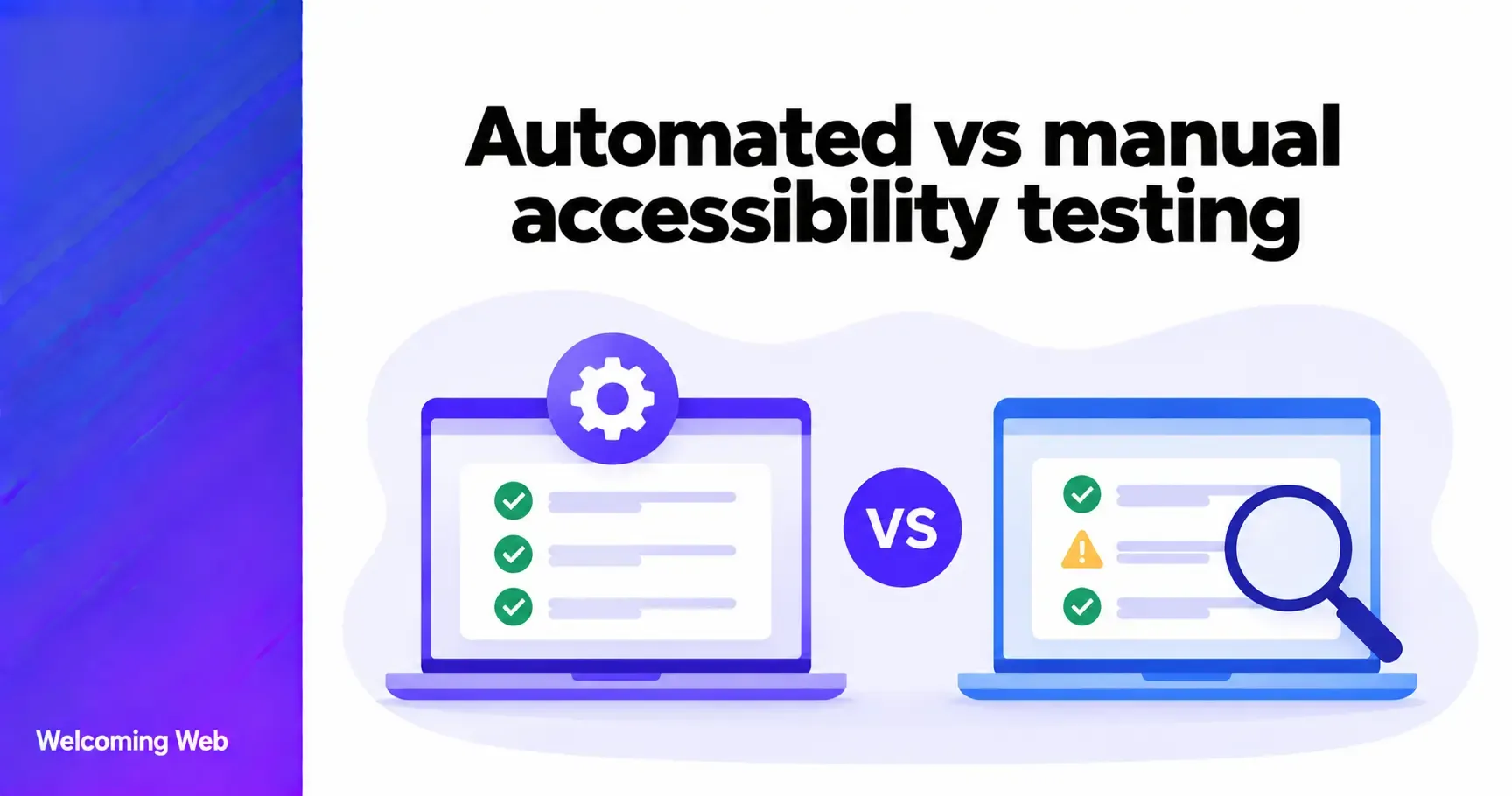
Automated accessibility testing uses software to identify website accessibility issues, while manual accessibility testing involves human evaluation of content, navigation, and interactions. Both methods help assess websites against WCAG requirements, although each has different capabilities and limitations. In this article, we'll compare automated and manual accessibility testing, explain what each method can detect, and explore how businesses can combine them to improve website accessibility.
What is automated accessibility testing?
Automated accessibility testing uses software to scan websites for issues that can be identified through predefined rules based on standards such as the Web Content Accessibility Guidelines (WCAG). These checks can detect missing image alt attributes, form controls without accessible names, invalid ARIA attributes, and certain colour contrast failures.
Businesses can use automated testing to assess multiple pages efficiently and identify recurring issues across their websites. Some tools also support scheduled scans, helping teams detect new accessibility problems following content updates, design changes, or feature releases.
What is manual accessibility testing?
Manual accessibility testing involves evaluating a website through direct interaction to identify barriers that require human judgement. Testers assess keyboard navigation, screen reader compatibility, content clarity, and whether users can complete important tasks such as submitting forms or navigating menus.
Accessibility specialists, developers, and quality assurance teams can carry out these assessments using established testing methods. Involving people with disabilities adds valuable insight into how website features perform in real-world situations and can reveal usability barriers that technical evaluations may overlook.
Automated vs manual accessibility testing: Key differences
The main difference between automated and manual accessibility testing is how issues are identified. Automated tools apply predefined rules, while manual testing allows people to evaluate accessibility in context.
| Factor | Automated accessibility testing | Manual accessibility testing |
|---|---|---|
| Speed | Performs supported checks quickly across multiple pages. | Requires more time to inspect pages and interactions. |
| Issue detection | Identifies problems covered by automated rules. | Identifies issues requiring human judgement and interaction. |
| Scalability | Suitable for checking large websites regularly. | Usually focuses on selected pages and user journeys. |
| Consistency | Applies the same rules consistently under the same conditions. | Results depend on tester expertise and methodology. |
| Resources | Requires testing software and review of findings. | Requires trained testers and additional evaluation time. |
| WCAG coverage | Evaluates a subset of accessibility requirements. | Can assess requirements that automated tools cannot reliably evaluate. |
These differences make each method useful at different stages of accessibility testing. Automated checks help identify technical failures efficiently, while manual evaluation provides the context needed to assess more complex accessibility requirements.
What can automated and manual accessibility testing detect?
The types of accessibility issues each method can identify depend on whether the problem can be detected through predefined rules or requires human evaluation.
Automated accessibility testing can identify issues such as:
- Missing alt attributes: Images without the required text alternatives.
- Colour contrast failures: Text and background combinations that fail supported contrast checks.
- Missing accessible names: Buttons, links, or form controls without accessible names.
- Invalid ARIA attributes: Incorrect roles, values, or relationships that automated rules can identify.
- Structural errors: Certain problems involving headings, labels, and HTML markup.
Manual accessibility testing can identify issues such as:
- Unclear alternative text: Image descriptions that exist but fail to communicate the image's purpose.
- Keyboard navigation problems: Features that cannot be operated properly without a mouse.
- Illogical focus order: Keyboard focus moving through a page in a confusing sequence.
- Confusing instructions: Forms and error messages that are difficult to understand.
- Inaccessible interactions: Menus, dialogues, and other components that do not work correctly with assistive technologies.
Some issues require both methods to evaluate properly. For example, automated testing may confirm that a form field has an accessible label, but manual testing may be needed to determine whether that label clearly describes the information required.
What are the limitations of automated and manual accessibility testing?
Automated accessibility testing cannot evaluate every WCAG requirement because some issues depend on context, meaning, or human interaction. Results may also include false positives, where a reported issue does not represent an actual failure, or false negatives, where an existing barrier goes undetected. Passing an automated scan therefore does not establish that a website is fully accessible.
Manual accessibility testing requires more time and expertise, particularly for websites with complex features or large numbers of pages. Results can vary depending on the tester's experience and methodology, making consistent testing procedures important. Manual assessments also reflect a website at a particular point in time, so changes made afterwards may introduce new accessibility issues.
How to combine automated and manual accessibility testing
Businesses can combine automated and manual accessibility testing by using regular automated scans alongside targeted manual evaluations. Automated checks can identify recurring technical issues across multiple pages, helping teams determine where further investigation may be needed.
Manual testing is particularly important for complex interactions and essential user journeys, such as completing forms, navigating menus, or making purchases. It should also be included when launching new features or making significant website changes.
Build a complete picture of website accessibility
Automated and manual accessibility testing help businesses understand different aspects of website accessibility. Using both methods provides a clearer picture of potential barriers and supports ongoing improvements as websites change.
Welcoming Web helps businesses identify and monitor accessibility issues through automated scanning and AI-assisted remediation recommendations. Run a free accessibility scan to identify potential barriers on your website and start addressing them.

Written by
Alisan Erdemli
CEO at Welcoming Web, and web accessibility technology expert
Connect on LinkedInReady to Make Your Website Accessible?
Join thousands of satisfied users who trust WelcomingWeb to deliver fully accessible, compliant, and inclusive digital experiences.