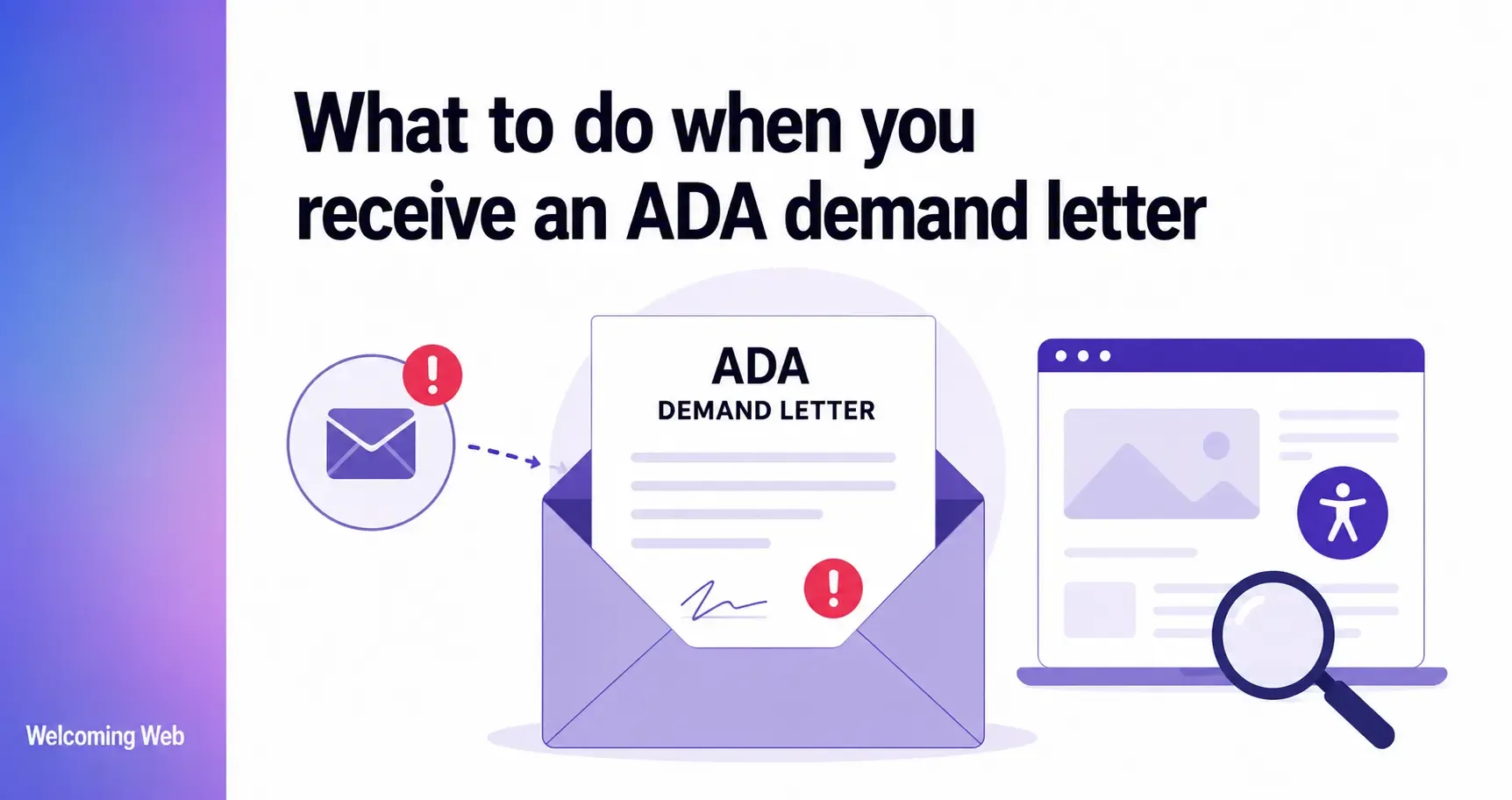
An ADA demand letter is a formal legal notice, typically sent by a law firm, alleging that your website has accessibility barriers that violate the Americans with Disabilities Act. Ignoring it significantly increases the likelihood that a lawsuit will follow. This guide covers what the letter means, what it contains, what steps to take immediately, and how documented accessibility work affects the outcome.
What is an ADA demand letter for a website?
An ADA demand letter is a written notice, typically sent by a law firm on behalf of an individual with a disability, claiming that a website's accessibility barriers constitute discrimination under Title III of the Americans with Disabilities Act. Title III requires businesses that serve the public to provide equal access to people with disabilities. Courts have consistently interpreted this to include websites and mobile applications.
The letter typically contains several standard elements:
- A description of the plaintiff and their disability
- A description of the specific accessibility barriers they encountered on the site
- A reference to the ADA and, in many cases, to WCAG 2.1 Level AA as the technical standard
- A demand for remediation of the identified issues
- A response deadline, typically 20 to 60 days
- In many cases, a settlement demand to resolve the matter without litigation
Most demand letters give the recipient a defined window to respond. Do not let that window close without taking action.
Why would a website receive an ADA demand letter?
ADA demand letters targeting websites are sent when a user with a disability encounters barriers that prevent them from accessing the site's content or completing tasks. The most common barriers cited in demand letters include:
- Missing alternative text on images, which leaves screen reader users without information about what images show.
- Keyboard navigation failures, where menus, forms, buttons, or modals cannot be operated without a mouse.
- Insufficient color contrast between text and its background, which makes content unreadable for users with low vision.
- Unlabeled form fields that assistive technology cannot identify correctly.
- Videos without captions, which exclude users who are deaf or hard of hearing.
- PDF documents that are inaccessible to screen readers.
It is worth understanding that ADA Title III litigation is predominantly driven by a relatively small number of law firms and serial plaintiffs, and has grown significantly in recent years. Regardless of whether the letter originates from a serial plaintiff firm or an individual with a genuine access need, the steps to take are the same.
What should you do immediately after receiving an ADA demand letter?
The steps below are not legal advice. Every ADA demand letter situation is different and legal counsel experienced in ADA Title III should be consulted as early as possible. Below are the practical steps that most organizations find useful in the immediate aftermath of receiving a letter.
- Read the letter carefully and note the deadline. Identify the response deadline stated in the letter. Note which specific accessibility barriers are cited. Understanding exactly what is alleged is the starting point for everything that follows.
- Do not contact the plaintiff's attorney without legal counsel. Anything said or written to the opposing attorney without legal representation present can be used in subsequent litigation. Do not make admissions, explanations, or informal assurances about your site's accessibility before consulting a lawyer.
- Engage legal counsel with ADA Title III experience. ADA demand letter situations vary significantly in their complexity, the identity of the filer, and the appropriate response strategy. An attorney with specific experience in ADA Title III website accessibility defense can assess the letter's validity, advise on settlement versus defense options, and handle communication with the plaintiff's firm.
- Scan your site to understand what is wrong. While legal counsel handles the legal response, understanding the current state of your site's accessibility is essential. An accessibility scan produces a prioritized list of detectable WCAG failures grouped by severity. This gives you and your legal team a concrete picture of which issues exist and how serious they are, information that is directly relevant to how the response is framed and what remediation can be committed to.
- Begin documented remediation work. Courts and plaintiffs' attorneys look at the evidence of good faith effort that an organization can demonstrate. Starting a documented remediation process, scanning for ADA issues, identifying issues, working through fixes, and keeping a dated record of progress, is one of the most useful actions an organization can take at this stage.
What does the timeline look like after an ADA demand letter?
ADA demand letter timelines vary depending on the letter's stated deadline, the law firm involved, and how the recipient responds. The general pattern looks like this:
Receipt of the letter. The letter states a response deadline, typically 20 to 60 days. This window is for the recipient to acknowledge the letter, engage legal counsel, and begin demonstrating that the issues are being addressed.
Response phase. Legal counsel typically prepares a formal response that acknowledges receipt, demonstrates that the issues are being taken seriously, and outlines the steps being taken to address them. A response backed by an accessibility audit report and a remediation plan is significantly stronger than a response without supporting documentation.
Negotiation phase. Many ADA demand letter situations resolve through negotiation rather than litigation. Settlement discussions may involve a monetary payment, a commitment to complete remediation within a defined timeline, and sometimes a requirement to publish an accessibility statement and implement ongoing monitoring.
Litigation. If no satisfactory response is received, the plaintiff's firm may file a formal lawsuit. This escalates costs significantly and removes the organization's ability to control the timeline. Most organizations that receive demand letters prefer to resolve the matter before this point.
The full timeline from receipt of a demand letter to resolution varies from a few weeks for straightforward settlements to many months for contested cases.
What role does documented accessibility work play?
Courts and legal professionals consistently note that a dated record showing what was found, when, and what was done about it is concrete evidence of good faith effort that shapes how complaints are handled and, in many cases, affects settlement discussions.
Welcoming Web scans pages against WCAG 2.2, ADA Title III, EN 301 549, and UK Equality Act 2010 standards, recording where each issue appears, what type of issue it is, and which criterion it relates to. The dashboard tracks whether issues are new, fixed, or reappearing. Reports can be exported in PDF or CSV format and used as supporting documentation alongside legal responses and accessibility statements.
Welcoming Web does not certify legal compliance, provide legal advice, or guarantee any legal outcome. What it provides is a documented, exportable record of accessibility scanning and remediation work.
What are the most common issues cited in ADA demand letters?
The issues most frequently cited in ADA demand letters targeting websites are consistent with the most common WCAG failures across the web generally. Understanding what they are is useful both for interpreting a demand letter and for prioritizing remediation.
The most commonly cited issues include missing alternative text on images, keyboard navigation failures, insufficient color contrast, unlabeled form fields, absence of captions on video content, and inaccessible PDF documents. These are all issues that automated scanning tools identify reliably. Starting with a scan gives an immediate and specific picture of which of these issues exist on the site and where.
A free accessibility scan with Welcoming Web takes 60 seconds and shows which WCAG failures currently exist on your site, grouped by severity.
Will installing an accessibility widget resolve an ADA demand letter?
Installing a visitor-facing accessibility widget does not constitute remediation for the purposes of an ADA demand letter, and organizations should not rely on it as a primary response to a legal notice.
Since April 2025, plaintiff attorneys have explicitly addressed overlay and widget tools in demand letters, making clear they will not accept widget installation as a satisfactory resolution. Courts have also rejected the argument that installing an overlay brings a site into ADA compliance when structural accessibility barriers remain in the source code.
A visitor-facing accessibility widget gives individual users direct control over how a site looks and behaves for them personally. It is a genuine tool that improves the experience for many users. What it does not do is fix the underlying structural barriers in the source code that a screen reader encounters, and those are the barriers that ADA demand letters are concerned with.
The appropriate response to an ADA demand letter involves actual remediation of the underlying issues: fixing the source code, adding missing descriptions, labeling form fields, and addressing the specific barriers identified in the letter. This is work that requires developer input and, for supported issue types, can be assisted by AI-generated suggested fixes that teams review before applying.
ADA demand letters are manageable with the right response
An ADA demand letter is serious, but most organizations that respond promptly with legal counsel and a documented remediation plan resolve the matter without litigation. The organizations that face the worst outcomes are those that ignore the letter, respond without legal advice, or attempt to resolve a legal claim with a widget installation rather than source code fixes.
The most useful immediate action is understanding exactly what is wrong on the site. Run a free accessibility scan with Welcoming Web to get a picture of your site's health. Everything else (the legal response, the remediation plan, the compliance documentation), follows from knowing where the site currently stands.

Written by
Alisan Erdemli
CEO at Welcoming Web, and web accessibility technology expert
Connect on LinkedInReady to Make Your Website Accessible?
Join thousands of satisfied users who trust WelcomingWeb to deliver fully accessible, compliant, and inclusive digital experiences.