Mobile accessibility makes websites and apps usable for people with disabilities on mobile devices. It covers mobile websites, native apps, hybrid apps, touch interaction, assistive technologies, and device settings. This article explains how mobile accessibility differs from web accessibility, which barriers become particularly important on mobile, how WCAG applies, and how to test mobile experiences for accessibility.
What is mobile accessibility?
Mobile accessibility is the practice of making websites and applications accessible to people with disabilities when they use mobile devices. It includes mobile websites as well as native, hybrid, and web-based mobile applications. People may interact with these experiences through touch, gestures, voice input, external keyboards, or assistive technologies such as mobile screen readers.
W3C uses mobile accessibility more broadly than smartphones alone, covering devices such as tablets, wearables, digital TVs, and other connected technologies. Businesses providing smartphone and tablet experiences can manage supported issues through mobile accessibility tools alongside their wider accessibility work.
How is mobile accessibility different from web accessibility?
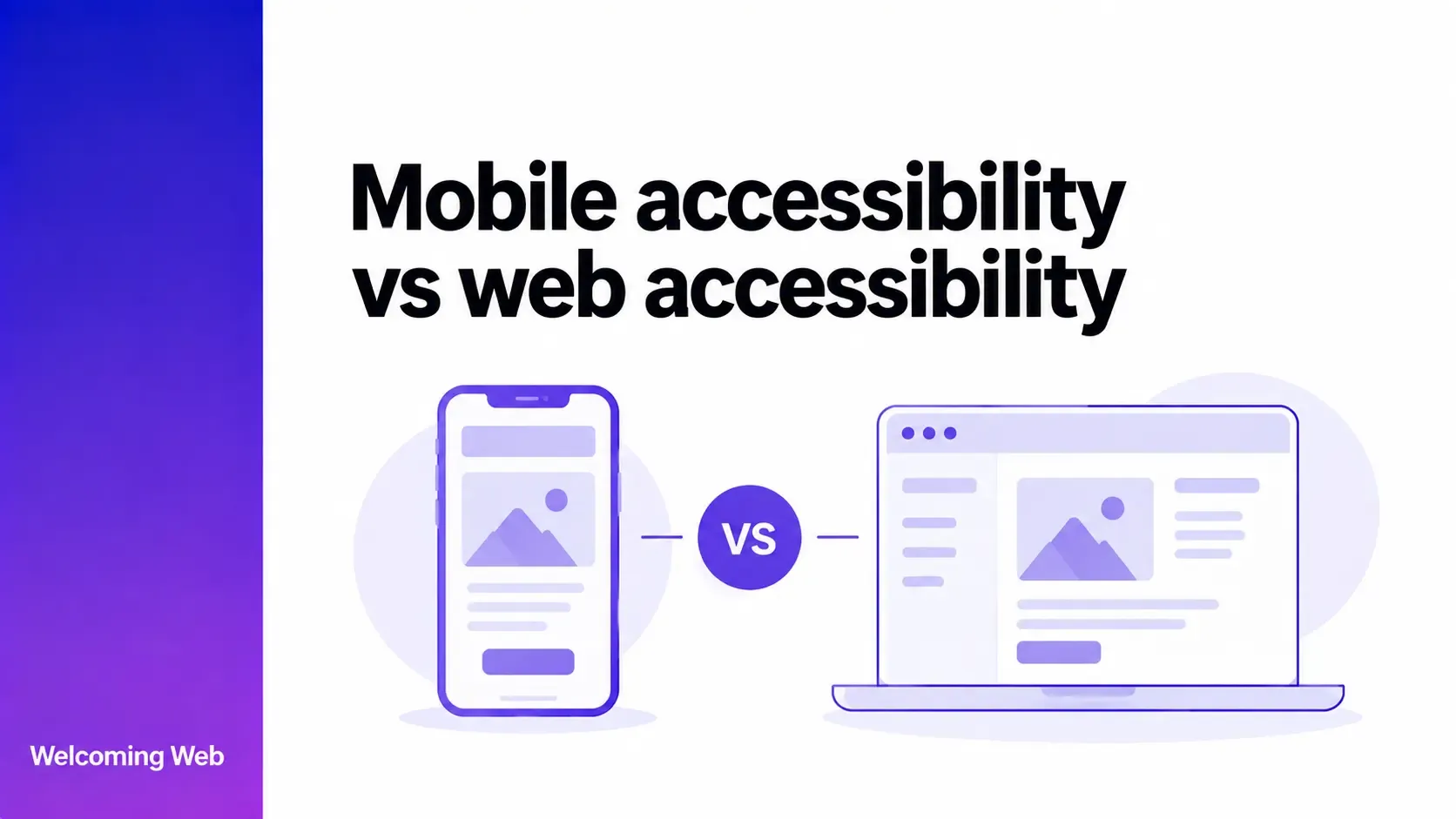
Web accessibility covers websites and web applications across different browsers and devices. Mobile websites therefore fall within web accessibility because they are still web content. Mobile accessibility has a broader scope because it can also include native and hybrid applications. This means the two terms overlap, but they do not describe exactly the same range of digital experiences.
| Area | Web accessibility | Mobile accessibility |
|---|---|---|
| Scope | Websites and web applications. | Includes mobile web experiences as well as native and hybrid apps. |
| Technology | Primarily built and delivered through web technologies. | Can involve web technologies, native mobile frameworks, and platform accessibility APIs. |
| Environment | Runs through browsers across desktop and mobile devices. | Can run through a mobile browser or directly within a mobile operating system. |
| Standards application | WCAG applies directly to web content. | Mobile websites use WCAG directly, while applying WCAG to native apps requires additional interpretation. |
Mobile web accessibility is therefore part of web accessibility, while mobile accessibility can extend to applications built specifically for mobile operating systems.
What accessibility issues are especially important on mobile?
Some accessibility barriers can occur on any digital interface but become particularly significant on smaller, touch-based devices. Mobile accessibility needs to account for how people hold, view, navigate, and operate these interfaces.
Touch target size and spacing
Buttons, links, form controls, and other interactive elements need enough space for people to activate them accurately. Small or tightly packed controls can create difficulties for users with limited dexterity, tremors, or reduced precision.
WCAG 2.2 includes Target Size (Minimum), which generally requires a target to be at least 24 by 24 CSS pixels or have sufficient spacing, subject to specified exceptions.
Mobile app accessibility also needs to consider the conventions and accessibility guidance of the operating system where the interface runs.
Touch gestures
Mobile interfaces often use gestures such as swiping, dragging, pinching, or moving multiple fingers across the screen. Some users cannot perform these movements accurately or at all. Interactions that depend on path-based or multipoint gestures need appropriate alternatives where required. WCAG also addresses dragging movements, which can affect interfaces such as sliders, sortable content, and drag-and-drop controls.
The underlying function should remain available without requiring a particular physical movement when an accessible alternative is required.
Small screens and content reflow
Limited screen space can make content harder to perceive and operate, particularly when users enlarge text or magnify the interface. Responsive layouts should allow information to adapt without hiding content, overlapping controls, or forcing unnecessary scrolling in multiple directions. Navigation and interactive elements also need to remain usable as the available space changes.
Screen orientation
Some people use mobile devices in a fixed position because of a mount, wheelchair attachment, or another physical setup. Requiring the device to rotate can prevent them from using content that only works in portrait or landscape orientation. Interfaces should support both orientations unless a particular orientation is essential to the content or function.
Mobile screen readers
Mobile operating systems include screen readers such as VoiceOver on Apple devices and TalkBack on Android. Users can navigate through content and controls using gestures while the screen reader announces information exposed by the interface.
Buttons, images, form fields, headings, and other elements need meaningful accessibility information so their purpose can be communicated. Custom controls can create barriers when their role, state, or accessible name is missing or inaccurate.
Mobile screen-reader accessibility also depends on whether important tasks remain understandable as users move between controls, screens, and other interface elements.
Device accessibility settings
Mobile operating systems allow people to customise aspects of their experience through settings such as larger text, increased contrast, reduced motion, and other display or interaction preferences. Websites and apps should continue to function when relevant settings are enabled. Larger text, for example, can reveal clipped labels or controls that no longer fit within their containers.
Is mobile app accessibility different from mobile web accessibility?
Mobile web accessibility concerns websites and web applications accessed through a mobile browser. The underlying content still uses web technologies, so WCAG applies to it as web content.
Mobile app accessibility covers applications that run within a mobile operating system, including native and hybrid apps. These interfaces can use platform accessibility APIs, native controls, and app-specific navigation patterns that do not exist in the same form on a conventional website.
This affects implementation. Developers working on native apps need to make sure controls expose the accessibility information expected by the operating system and work with technologies such as VoiceOver or TalkBack.
Mobile app accessibility and mobile web accessibility therefore share accessibility principles while requiring teams to work with different technologies and interface environments.
Does WCAG apply to mobile accessibility?
WCAG applies to web content accessed on mobile devices. W3C does not publish a separate set of accessibility guidelines specifically for mobile, and its existing accessibility standards address mobile experiences.
WCAG 2.1 and WCAG 2.2 introduced success criteria that address issues particularly relevant to mobile interaction. These include requirements concerning orientation, pointer gestures, dragging movements, and minimum target size.
Native mobile applications require additional interpretation because WCAG was developed for web content. W3C's WCAG2Mobile work explains how WCAG 2.2 principles, guidelines, and success criteria can be applied to native apps, mobile web apps, and hybrid applications.
WCAG2Mobile is informative guidance and does not establish a separate set of conformance requirements. Organisations using WCAG compliance as their technical framework should consider how relevant requirements apply across the web and mobile environments they provide.
How should you test mobile accessibility?
Mobile accessibility testing needs to reflect how people interact with an interface on a mobile device. A responsive layout viewed through a desktop browser cannot reproduce every aspect of touch interaction, operating-system settings, or mobile assistive technologies.
A broader testing process can include:
- Test on real mobile devices. Check important screens and user journeys on relevant devices to assess behaviour in the intended mobile environment.
- Use mobile screen readers. Navigate key tasks with VoiceOver, TalkBack, or the assistive technologies relevant to the supported platforms.
- Change device settings. Increase text size and test relevant display, motion, and accessibility preferences to see how the interface responds.
- Test touch and gestures. Check whether controls are easy to activate and whether functions requiring complex gestures provide appropriate alternatives.
- Change screen orientation. Confirm that content remains available and usable in portrait and landscape where both orientations should be supported.
- Combine automated and manual testing. Automated mobile accessibility testing can identify supported technical issues, while human evaluation is needed for barriers that depend on context, interaction, or usability.
Testing should cover important user journeys instead of assessing isolated screens alone. Registration, authentication, navigation, forms, purchases, and account management can expose combinations of barriers that individual component checks may miss.
How does Welcoming Web support mobile accessibility?
Welcoming Web provides mobile accessibility SDKs for React Native, Flutter, native iOS, and native Android. The SDK scans app screens as users navigate and sends results to the same dashboard used for website accessibility data.
Supported checks are mapped to relevant WCAG criteria and include severity information, evidence, and remediation guidance. This allows teams to review supported mobile accessibility issues alongside information from their web accessibility work.
Teams can also integrate accessibility checks into CI/CD workflows to identify supported issues before a release. Web and mobile results remain available within the same environment, helping teams track accessibility across different versions and digital products.
An optional in-app accessibility panel provides additional controls for users within supported mobile experiences. These controls work alongside supported system accessibility settings.
Welcoming Web helps you identify supported accessibility issues and provides remediation assistance. Automated checks cannot identify every accessibility barrier or determine WCAG conformance, so manual evaluation remains an important part of mobile accessibility testing.
Building accessibility across web and mobile experiences
Websites and mobile apps often form different parts of the same user journey. Someone might research a service on a website, create an account in an app, and return to the website later to manage it.
Accessibility barriers at any stage can interrupt that journey. Teams responsible for multiple digital products should consider whether people can complete important tasks as they move between web and mobile environments.
Explore Welcoming Web's plans and see how your team can identify supported accessibility issues across mobile experiences.

Written by
Alisan Erdemli
CEO at Welcoming Web, and web accessibility technology expert
Connect on LinkedInReady to Make Your Website Accessible?
Join thousands of satisfied users who trust WelcomingWeb to deliver fully accessible, compliant, and inclusive digital experiences.