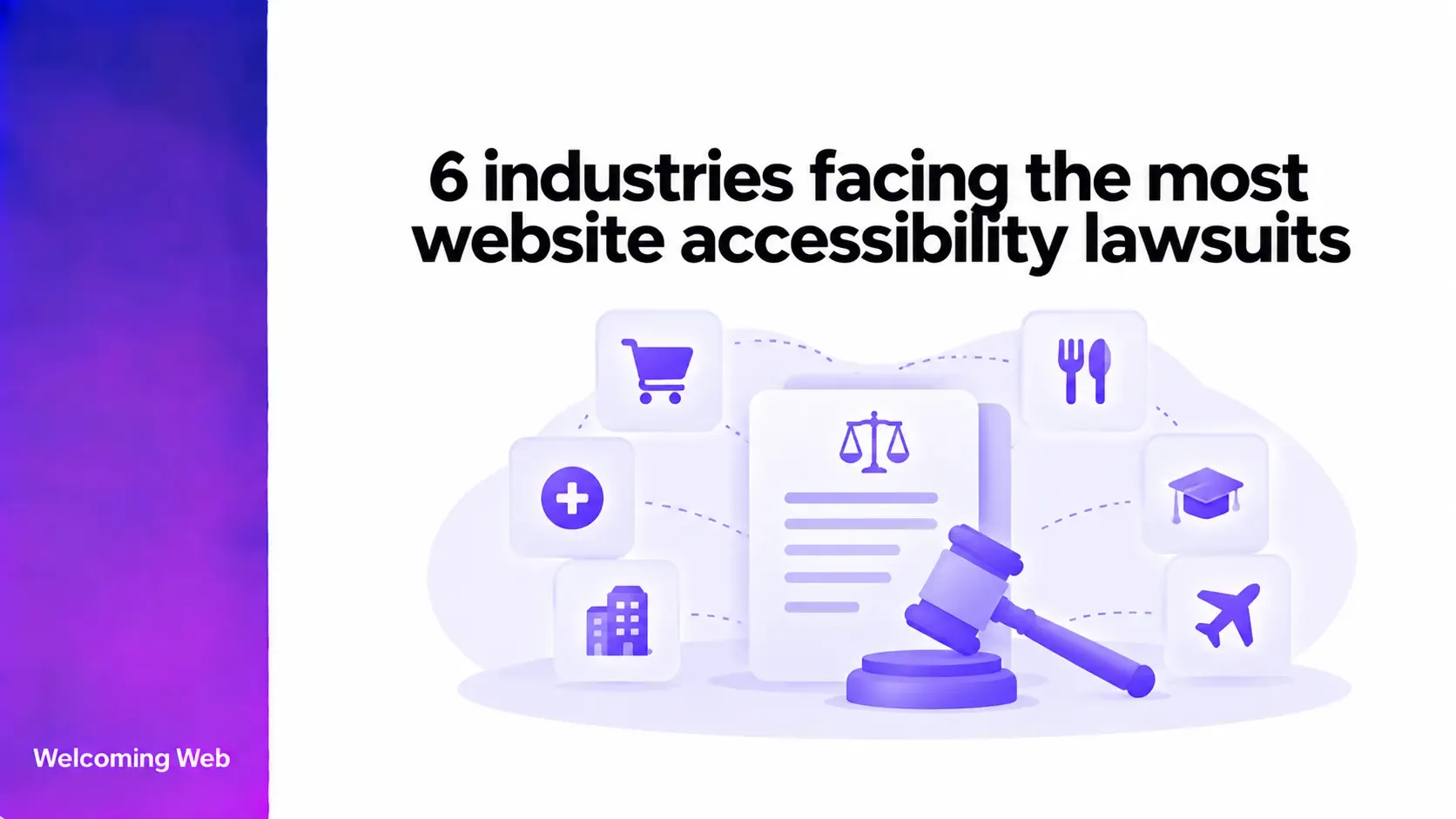
Website accessibility lawsuits are particularly common in consumer-facing industries where customers rely on websites to shop, order, book, or access services. Retail and e-commerce, restaurants, fashion, health and wellness, home and furniture, and fitness are among the sectors that feature prominently in accessibility litigation. This guide looks at six industries facing the most website accessibility lawsuits and the digital experiences that can increase their exposure.
Which industries face website accessibility lawsuits?
Website accessibility litigation can affect many types of businesses. Regularly monitoring website accessibility can help organisations identify issues that may affect how people access their digital services. Under Title III of the Americans with Disabilities Act (ADA), businesses considered public accommodations must provide people with disabilities equal access to their goods and services. The Department of Justice's guidance on web accessibility states that this includes goods and services offered through websites.
Retail stores, food and drink establishments, hospitals, medical offices, and sports facilities are among the types of public accommodations identified under the ADA. Recent legal reporting has also highlighted retailers and restaurants among the businesses that can get sued over website accessibility.
The six industries below feature prominently in recent litigation data, court records, and legal reporting.
1. Retail and e-commerce
Retail and e-commerce websites can contain hundreds or thousands of products, with customers relying on search, filters, categories, product information, account features, baskets, and checkout to find and purchase what they need.
This breadth creates a particular accessibility challenge: a customer can successfully navigate most of a website and still encounter a barrier at a critical transactional step. Search filters, promotional pop-ups, product selectors, address forms, payment controls, and validation messages can all determine whether a purchase can be completed.
Retailers are specifically recognised as public accommodations under ADA Title III. DOJ guidance identifies shops among businesses that serve the public, while its web guidance states that inaccessible website features can limit access to the goods and services those businesses provide online.
The sector continues to attract legal attention. In July 2025, law firm UB Greensfelder reported an increase in ADA website accessibility claims affecting businesses across the US, particularly restaurants and retailers.
For e-commerce businesses, testing should cover complete purchasing tasks. A product page that passes individual accessibility checks does not establish that a customer can successfully search for an item, configure it, add it to a basket, and complete checkout.
2. Restaurants and food service
Restaurant websites increasingly function as service platforms. Customers may use them to read menus, check allergen information, find locations, reserve tables, place orders, arrange delivery, and pay.
Online ordering is particularly significant because restaurant websites often depend on third-party technology. A customer might move between the restaurant's website, an embedded menu, an ordering interface, a payment provider, and a delivery service during a single transaction.
This means accessibility can depend on components supplied by several organisations. Changing provider or embedding an external tool does not make the accessibility of that part of the experience irrelevant to the customer using it.
Restaurants are explicitly included among public accommodations under ADA Title III regulations. UB Greensfelder's 2025 legal alert also singled out restaurants using online ordering systems when discussing an increase in website accessibility demands.
Restaurant accessibility reviews should therefore include the systems connected to the main website, especially menus, reservation tools, location finders, ordering interfaces, and payment processes.
3. Fashion and apparel
Fashion websites depend heavily on visual information. Product photography may communicate colour, fit, texture, pattern, styling, and differences between variants that are difficult to understand when equivalent information is unavailable elsewhere.
The challenge extends past adding alternative text to a main product image. Shoppers may need to distinguish between colour swatches, navigate image galleries, select sizes, understand stock status, use size guides, and identify how different variants change a product.
A recent federal case provides a direct example of the sector's exposure. In February 2026, the US Department of Justice filed a Statement of Interest in Alcazar v. Fashion Nova Inc. The plaintiffs alleged that Fashion Nova's online clothing website denied blind users full and equal access to its goods and services because the website was inaccessible.
For fashion brands, the key question is whether product information communicated visually is also available in a form that customers using assistive technologies can understand and operate. Product galleries, variant controls, sizing tools, and descriptive product information deserve particular attention.
4. Health, beauty, and wellness
Health, beauty, and wellness websites can contain information that directly influences decisions about a person's care, treatment, or use of a product. That gives accessibility failures in this sector a different significance from a typical retail inconvenience.
Healthcare websites may provide appointment booking, patient forms, treatment information, practitioner details, test information, or instructions for accessing services. Beauty and wellness websites may contain ingredient information, usage instructions, contraindications, subscription options, and appointment booking.
The ADA's Title III guidance specifically identifies doctors' offices and private hospitals as businesses serving the public. Its regulations also include pharmacies, beauty shops, health spas, and professional offices of healthcare providers among covered categories.
Accessibility work in this sector should reflect the importance of the information being communicated. Teams should examine whether people can independently find essential service information, understand instructions, complete forms, and make or manage appointments.
5. Home and furniture
Buying furniture online often requires customers to interpret unusually detailed product specifications. Dimensions, materials, finishes, orientation, assembly requirements, delivery restrictions, and configuration options can all influence whether a product is suitable.
Many home and furniture websites also use interactive tools that are less common in standard e-commerce. Customers might configure a sofa, choose individual modules, switch materials, preview combinations, calculate dimensions, or check whether an item can be delivered to a particular location.
Accessibility problems can therefore affect a customer's ability to understand the product itself. A visual configurator with poorly identified controls, for example, can make it difficult to determine which configuration has been selected or how one option differs from another.
Home and furniture businesses should give particular attention to configurators, swatches, measurement information, comparison tools, delivery selectors, and other interfaces where the state of a product changes dynamically.
6. Fitness and sporting goods
Fitness businesses can combine physical services, digital accounts, bookings, subscriptions, and e-commerce within the same website. A gym website may support membership registration and class reservations, while a sporting goods business may focus primarily on selling equipment and apparel.
The ADA specifically includes gyms among businesses that serve the public. DOJ Title III regulations also identify gymnasiums, health spas, and other places of exercise or recreation as public accommodations.
Scheduling creates a distinctive accessibility consideration for this sector. Interactive calendars, time-slot selectors, availability indicators, recurring sessions, and booking controls need to communicate both their purpose and their current state. Membership portals can add another layer when customers need to change plans, update payment information, or cancel services.
Fitness organisations should therefore include booking and account-management functions when evaluating accessibility, particularly where customers depend on those functions to access services they have already paid for.
What can businesses learn from website accessibility lawsuits?
The six industries differ considerably, but the litigation surrounding them demonstrates how deeply websites are now integrated into access to goods and services. A useful starting point is identifying the digital tasks customers depend on. That might be completing checkout for a retailer, ordering food from a restaurant, booking an appointment with a healthcare provider, or reserving a fitness class. Accessibility evaluation can then examine whether those tasks work for people using different input methods and assistive technologies.
The DOJ's web accessibility guidance points businesses towards established technical standards such as WCAG. It also specifically cautions that automated accessibility checkers have limitations and recommends pairing automated checks with manual evaluation.
Regular automated scanning can help identify supported accessibility issues as a website changes. Manual testing can then examine requirements that depend on context, human judgement, or the behaviour of complete user interactions.
Reduce accessibility barriers before they affect customers
Website accessibility lawsuits show why businesses need to consider how people access their digital services. When customers depend on a website to buy, book, order, or access services, accessibility barriers can prevent them from completing important tasks and create unnecessary legal exposure for the business.
Finding accessibility issues early gives teams more opportunity to address them as part of normal website maintenance. Regular monitoring can also help identify new issues introduced as pages, content, components, and third-party tools change.
Start by finding accessibility issues that may be affecting your website. Run a free accessibility scan with Welcoming Web.

Written by
Alisan Erdemli
CEO at Welcoming Web, and web accessibility technology expert
Connect on LinkedInReady to Make Your Website Accessible?
Join thousands of satisfied users who trust WelcomingWeb to deliver fully accessible, compliant, and inclusive digital experiences.