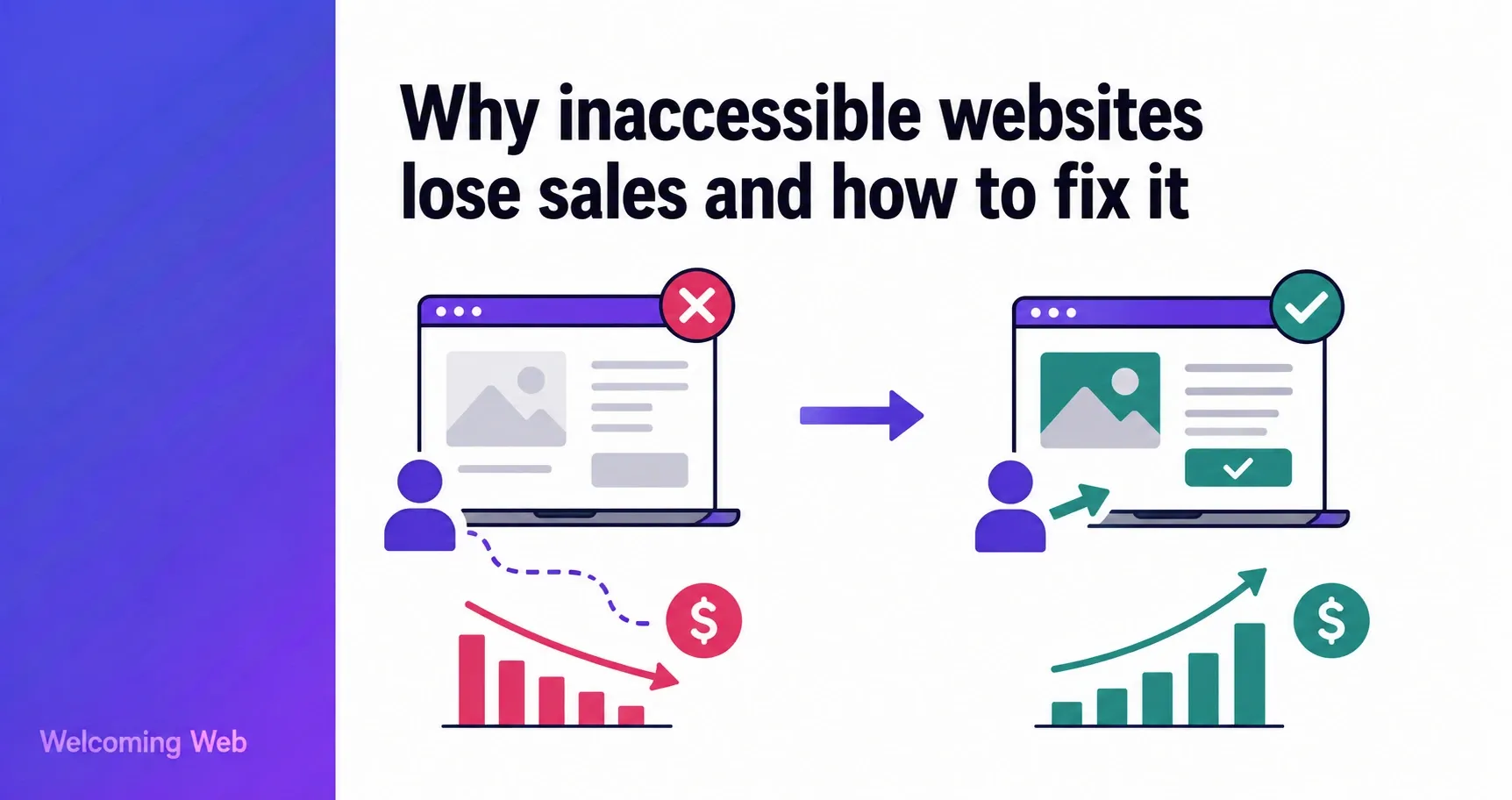
Many businesses losing sales to website accessibility barriers have no idea it is happening. The customers who leave do not complain, do not fill in feedback forms, and do not contact support. Instead, they find a competitor whose site works for them and they stay there. This post explains why inaccessible websites lose sales and what business leaders can do to fix it without a costly development project.
Who are the customers leaving your inaccessible website?
The customers leaving your inaccessible website are people who rely on assistive technology to browse and buy online. Screen readers, keyboard navigation, voice control, and display adjustment tools are everyday tools for a large and economically active customer segment that shops regularly and spends consistently with businesses whose sites work for them.
What makes this segment particularly valuable is its loyalty. Users with access needs tend to shop repeatedly with businesses they trust, because finding a site that has made an effort to enhance digital inclusivity is not something they take for granted. A business that gets this right earns customers who are difficult for competitors to displace on price alone.
Why do inaccessible websites lose sales without anyone noticing?
Inaccessible websites lose sales silently. While a broken payment page can generate support tickets within hours, an accessibility barrier that makes a form impossible to complete with a screen reader generates almost nothing. This is because the customers it affects rarely say why they left, or are unable to due to the accessibility issues on your website.
In analytics, these users exiting your site looks identical to any other bounce. There is no flag, no complaint category, and no obvious pattern to investigate. This means the feedback loop that normally drives fixes does not exist for accessibility. New barriers are introduced with every feature release and content update, and the business remains unaware until a formal complaint or legal notice arrives.
This is also why accessibility fixes get deprioritised. Without a visible cost signal, the work competes poorly against features and updates that have clearer business metrics attached to them.
What kinds of accessibility barriers cause customers to leave?
The barriers that drive customers away are the kinds of issues that slip through in normal design and development processes because accessibility is rarely checked at each stage. The most common ones include:
- Text that is too low in contrast to read comfortably, particularly for users with low vision.
- Images with no descriptions, which leave screen reader users with no context for what they are looking at.
- Forms with unlabelled fields that assistive technology cannot interpret correctly.
- Navigation that only works with a mouse, locking out keyboard and switch access users.
- Pages that cannot be resized or simplified for users who need a less complex view.
- Videos and audio without captions, which exclude users who are deaf or hard of hearing.
None of these require a site rebuild to fix. Most are straightforward once they have been identified. The challenge is that, without a systematic check, they remain invisible.
How does website accessibility affect customer loyalty?
The loyalty effect of website accessibility is one of the most commercially significant and least discussed aspects of this topic. For users with access needs, a site that works reliably with their assistive technology matters more than price. An inaccessible website that has lower prices never gets the chance to build that relationship in the first place.
For most businesses, competing on price erodes margins over time. Accessibility produces loyalty that is difficult for competitors to displace once it is earned.
How do you fix an inaccessible website without a full rebuild?
You do not need to start from scratch to fix an inaccessible website. Most accessibility issues are changes to existing elements, and many can be addressed without touching the site's design or visual identity at all. A practical starting point follows these four steps:
- Identify what is wrong. Running an accessibility scan produces a list of issues grouped by severity. This replaces guesswork with a prioritised starting point and gives the team a clear picture of what is on the site before deciding how to address it.
- Fix critical issues first. Not everything on an accessibility issue list carries equal weight. Issues that completely block a user from completing a task (such as an unlabelled form or a checkout that cannot be navigated by keyboard) take priority over lower-severity items. A prioritised fix list makes the work tractable.
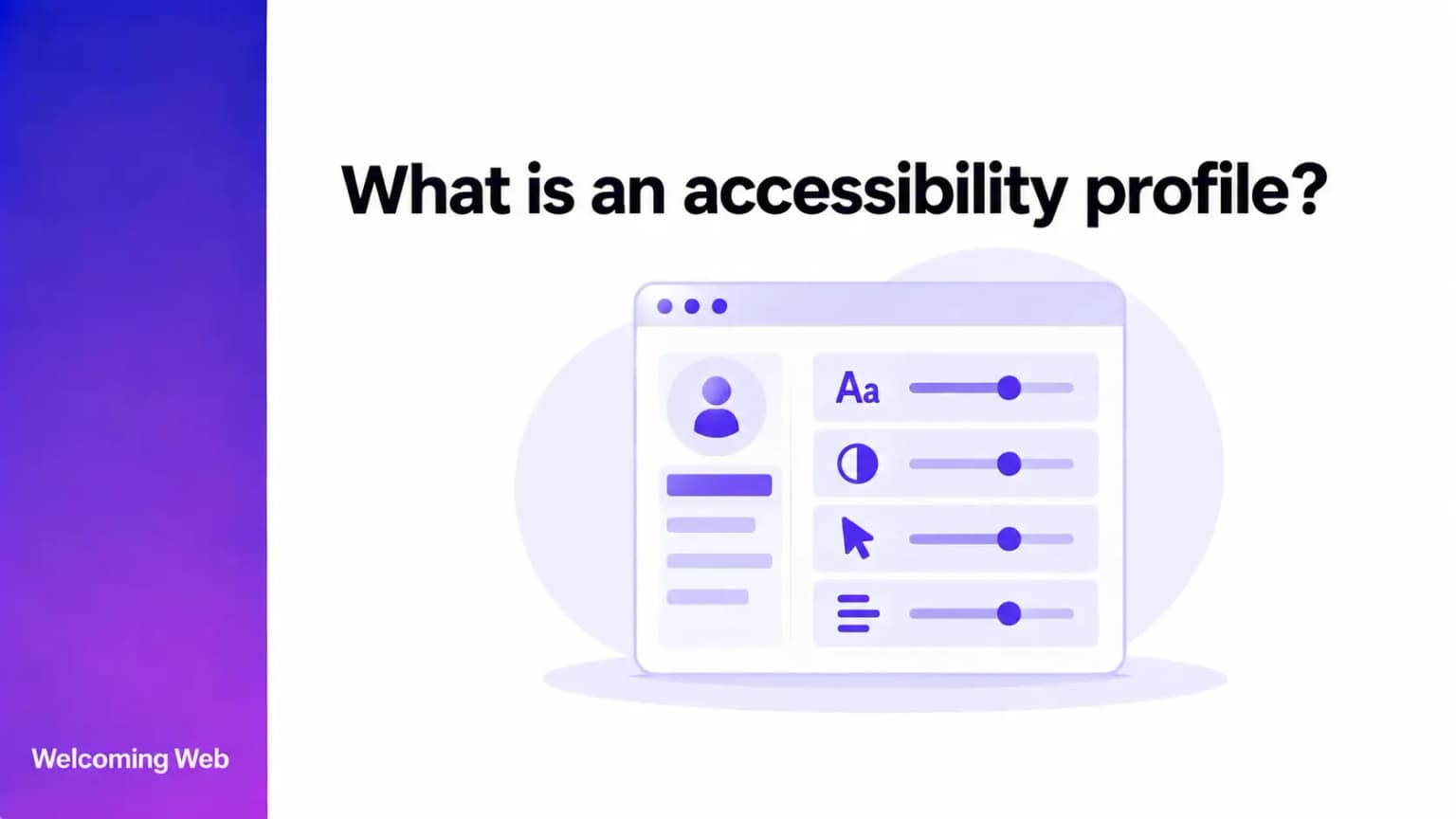
- Add a visitor-facing accessibility widget. Welcoming Web's accessibility widget sits on top of the existing site and gives every visitor direct control over how it looks and behaves for them. Text size, contrast, spacing, keyboard navigation, and motion reduction are all adjustable by the individual visitor without changing anything for anyone else. It does not fix the underlying site, but it gives users with access needs practical tools to adjust their experience while structural issues are addressed through scanning and remediation.
- Monitor on a schedule. Accessibility is not a one-time project. Every new feature, content update, and design change has the potential to introduce new barriers. A monitoring schedule that scans regularly means new issues are caught before a customer encounters them.
How do you turn website accessibility into a commercial advantage?
Website accessibility stops feeling like a compliance burden the moment it is framed as a customer problem. The businesses losing sales to accessibility barriers are not losing them to better products or lower prices, but to competitors whose sites work for a wider range of people.
A free accessibility scan can take as little as 60 seconds and gives you a prioritised issue list to work from. For a business losing customers to accessibility barriers without knowing it, that list turns an abstract problem into something that can be acted on.

Written by
Alisan Erdemli
CEO at Welcoming Web, and web accessibility technology expert
Connect on LinkedInReady to Make Your Website Accessible?
Join thousands of satisfied users who trust WelcomingWeb to deliver fully accessible, compliant, and inclusive digital experiences.