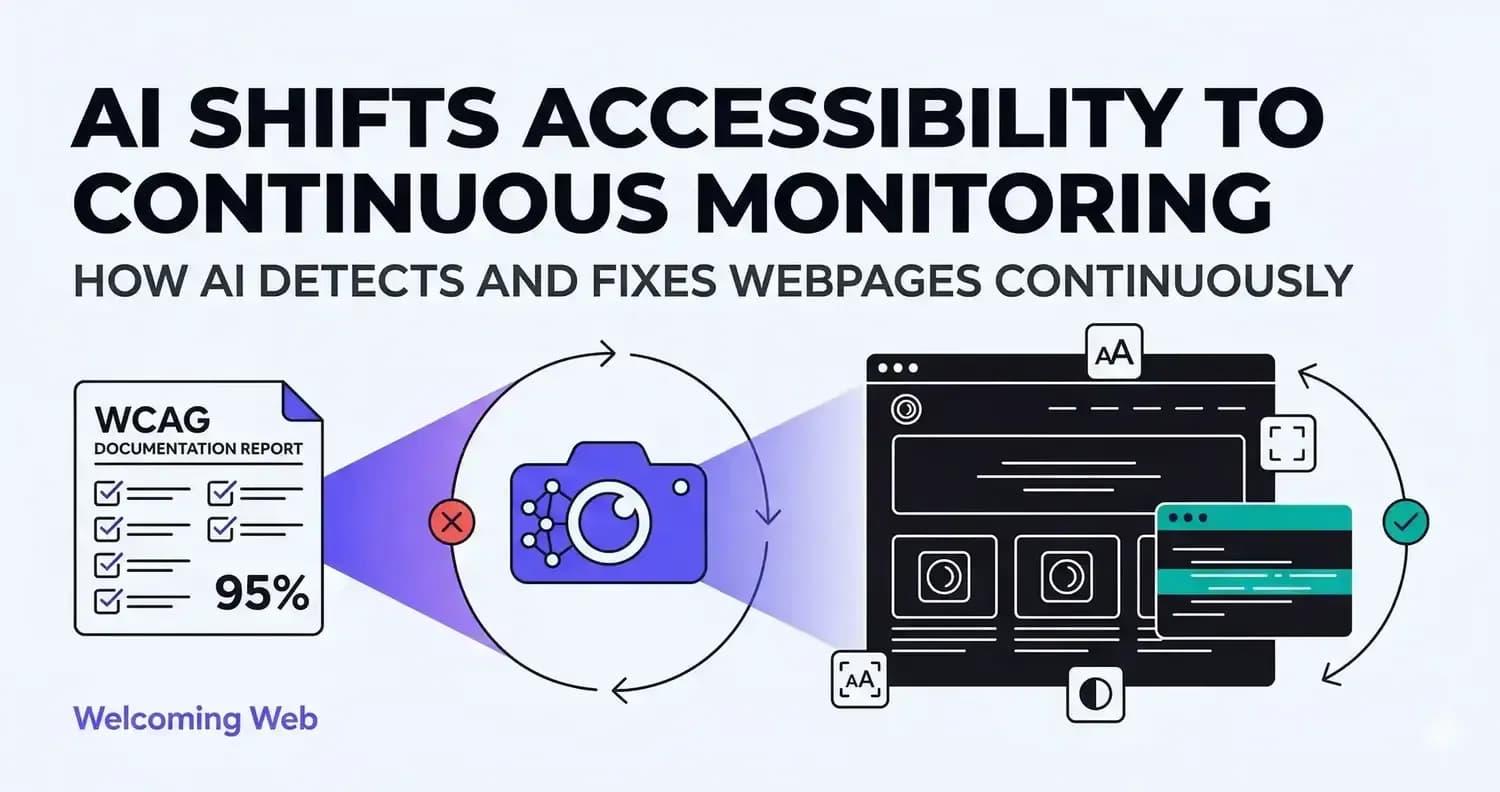
Most accessibility fixes don't stick. Code changes and content updates undo them between releases. AI-powered accessibility tools address this by embedding detection into the release process, not separating it from development. This piece covers what AI tools actually do, where they still depend on human judgment, and how teams should evaluate them.
Why do accessibility fixes keep getting undone?
Every release is a regression risk. A template change, a new page, a plugin update; any of it can undo what the last audit caught. Most teams find out weeks later, when the next audit runs. Continuous accessibility monitoring surfaces issues immediately — not in the next reporting cycle.
When a form field loses its label in a routine update, every screen reader user hits a dead end. They can't complete a checkout. They can't submit a form. They leave. That's not a hypothetical. It's what happens on sites that only audit quarterly.
The standard fix-on-a-schedule approach can't keep pace with continuous delivery. Issues accumulate between reviews. Teams re-fix the same problems every few months. The gap never closes.
What do AI accessibility tools actually do?
AI contributes to accessibility work in three areas. These are separate jobs. Understanding the difference prevents misplaced expectations.
- Detection: Traditional tools check for known patterns: missing alt attributes, low contrast, unlabelled fields. AI evaluates more contextual issues. It assesses whether an image description conveys meaning, or whether a button label makes sense without surrounding visual context.
- Remediation: For supported issue types, Welcoming Web proposes alt text for images, improved contrast values, and labels for form fields. Each suggestion appears before anything changes. No fix is applied without approval.
- Visitor experience: The Welcoming Web accessibility widget sits on top of your existing site. Each visitor adjusts how the site looks and behaves for them: text size, contrast, spacing, motion. Nothing they change affects the source code, the design for other users, or the CMS.
Where does AI still fall short?
Automated AI-powered scanning doesn't catch everything. This is a structural limitation for website accessibility platforms, not a caveat to minimise.
The Web Accessibility Initiative notes that many WCAG success criteria require human judgment to evaluate. Does this navigation pattern make sense to a screen reader user working by landmark? Does this error message explain what went wrong and how to fix it? No automated tool answers these reliably.
AI-generated image descriptions are often accurate but not always appropriate. An image of a chart may receive a description of its appearance, not its data. A decorative image may receive a description when it needs none. Both create problems for screen reader users.
The right position: AI accelerates detection and supports remediation. It reduces the volume of issues needing manual review. It doesn't eliminate the need for it. Welcoming Web doesn't claim otherwise. The product supports compliance work. It doesn't certify it.
Why your paper trail matters as much as your fixes
Accessibility enforcement is rising. The European Accessibility Act became enforceable for many product categories in June 2025. ADA web accessibility litigation in the United States continues to climb year on year.
Organisations under scrutiny are better positioned when they can show documented, ongoing effort. A dated record of scans, issue tracking, and active remediation is different from no record at all. Courts and regulators look at demonstrated effort, not only outcomes.
This is why monitoring matters as much as scanning. The record of what was checked, when, and what was done is itself a compliance asset. Welcoming Web's dashboard tracks issues as new, resolved, or recurring. Reports export for internal review, compliance documentation, or developer handover.
How teams that actually get results use these tools
Teams getting results from AI-powered accessibility tools share a few consistent habits. They use automated scanning to establish a baseline and catch regressions, not to claim compliance. A scan result is evidence of work done. It's not a certificate.
They treat AI-suggested fixes as a starting point. Every suggestion is reviewed before being applied. This keeps teams informed about what is changing on their site and why. They combine automated monitoring with periodic manual testing. Expert reviews catch what automation misses. Automated scans catch what manual reviews can't monitor daily. Both are needed.
They use the accessibility widget to support visitors in the meantime. While structural fixes are worked through, the widget gives every visitor control over their own experience, without waiting for a remediation sprint to finish.
The teams that get it right treat accessibility as an ongoing practice. They scan continuously, fix consistently, and give every visitor the tools to use their site on their own terms. If you want to know where your site stands today, a free accessibility scan gives you the answer in 60 seconds. No developer needed.

Written by
Alisan Erdemli
CEO at Cinema8, and e-learning technology solutions expert
Connect on LinkedInReady to Make Your Website Accessible?
Join thousands of satisfied users who trust WelcomingWeb to deliver fully accessible, compliant, and inclusive digital experiences.