Welcoming Web: the best AudioEye alternative
Welcoming Web is the best AudioEye alternative for teams that need a documented accessibility record without paying for contracted human audit services they may not require. AudioEye's strongest capability, certified expert audits and legal assurance, sits behind its higher-tier plans. For teams whose priority is automated scanning, ongoing monitoring, and a visitor widget working together in one place, Welcoming Web delivers that without the overhead of an enterprise audit contract.
Why teams switch from AudioEye
AudioEye separates its automation tools from its human audit services across different plan tiers, which means teams often need to upgrade to access the features they actually need. Welcoming Web includes scanning, monitoring, AI-assisted remediation, and the visitor widget in one platform at traffic-proportional pricing. There are no separate tiers for reporting or fix suggestions. Every scan produces an exportable record of issues found and work completed, giving teams something concrete to share with developers, compliance reviewers, or internal stakeholders.
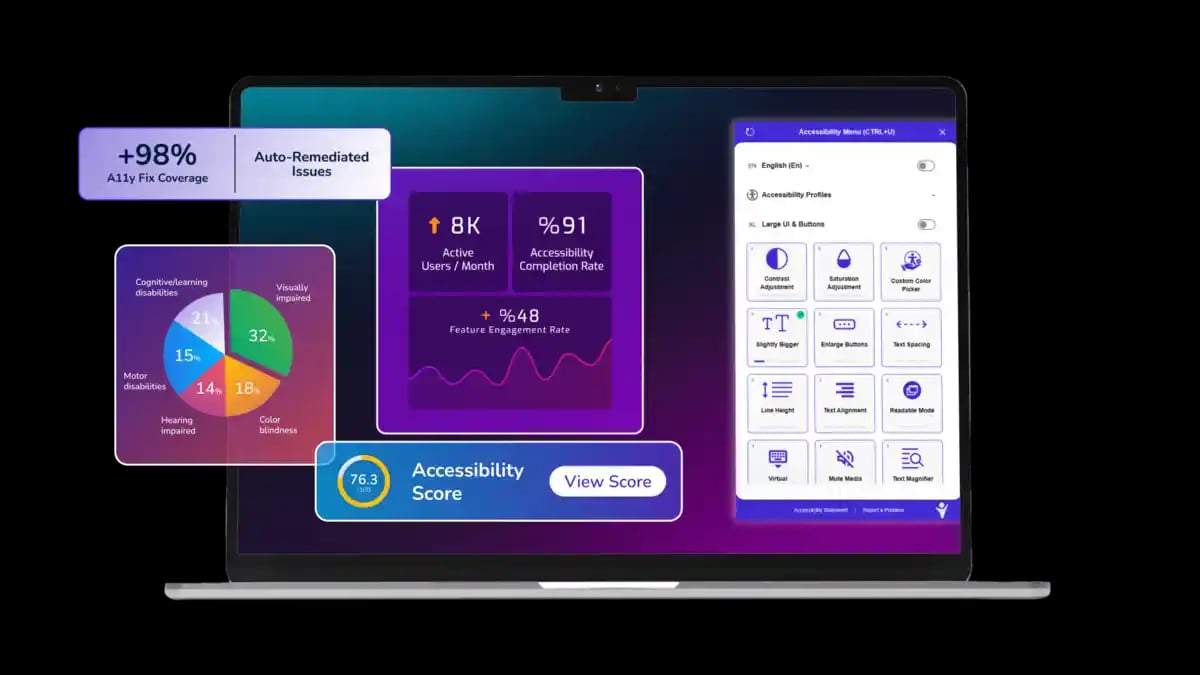
Welcoming Web vs AudioEye: platform capabilities compared
Welcoming Web's accessibility platform features
Accessibility scanning
Checks every page against WCAG 2.2, ADA Title III, Section 508, and EN 301 549. Surfaces issues by page, element, type, and severity in one dashboard.
Compliance monitoring
Runs scans on a schedule and flags whether issues are new, recurring, or resolved. Keeps a continuous, dated record of your accessibility work.
AI-assisted remediation
Generates suggested fixes for supported issue types. Teams review and approve each suggestion before anything is applied to the site.
Accessibility widget
A floating menu visitors use to adjust text size, contrast, spacing, and keyboard navigation. Changes affect only that visitor's session.
Scans and reports
Every scan produces a full exportable report in PDF or CSV format, ready to share with developers, compliance teams, or stakeholders.
Accessibility profiles
Pre-built presets for common accessibility needs including dyslexia, low vision, and motor impairment. Visitors adjust individual settings from there.
Get a full breakdown of your site's accessibility issues against WCAG 2.2, ADA Title III, and Section 508 in under a minute
How to get started with Welcoming Web
Run a free accessibility scan
Before switching platforms, see exactly where your site stands. The scan returns a full issue breakdown by type, page, and severity in under a minute.
Add the code snippet to your site
Add the Welcoming Web script to your site the same way you would any analytics or tracking tag. The visitor widget goes live immediately and background scanning starts automatically.
Review your results and set a scan schedule
Work through AI-assisted fix suggestions for supported issue types, export reports for your team or developer, and set a recurring scan schedule to keep your accessibility record current.
Pricing
Welcoming Web uses traffic-proportional pricing. Your cost reflects your site's actual monthly visitor count rather than which features you need access to. Full platform access is included from the start.
Frequently asked questions (FAQs)
Browse our docs or reach out to our team anytime.